The CRM market is worth $126 billion and growing fast. The implementation failure rate sits at 55%. Most businesses pick the wrong CRM for their specific business type for exactly the same reason: they shop features before they understand their own operation. If you’ve ever paid for a CRM and used maybe a third of what it offers, that’s probably what happened.
This is the guide I wish existed when I was helping founders sort through this mess.
Why Industry Matters More Than Features
HVAC and real estate are both “service businesses.” They both deal with customers, appointments, and follow-up. But buying the same CRM for both would be a mistake.
An HVAC company needs dispatch, GPS tracking, job costing, and a technician mobile app. A realtor needs 12-month nurture sequences, MLS integration, showing scheduling, and lead source attribution. Those are completely different tools solving completely different problems, and neither one would work well for the other’s operation.
43% of CRM users use fewer than half the features they pay for. That’s not because they’re lazy. It’s because the tool doesn’t match how they work. A “top-rated CRM” with a 4.8-star review average means nothing if it was reviewed primarily by B2B SaaS companies and you’re running a medical spa.
The best CRM for your business isn’t the one with the best marketing. It’s the one that fits how your customers buy, how your team operates, and what compliance requirements you’re working under.
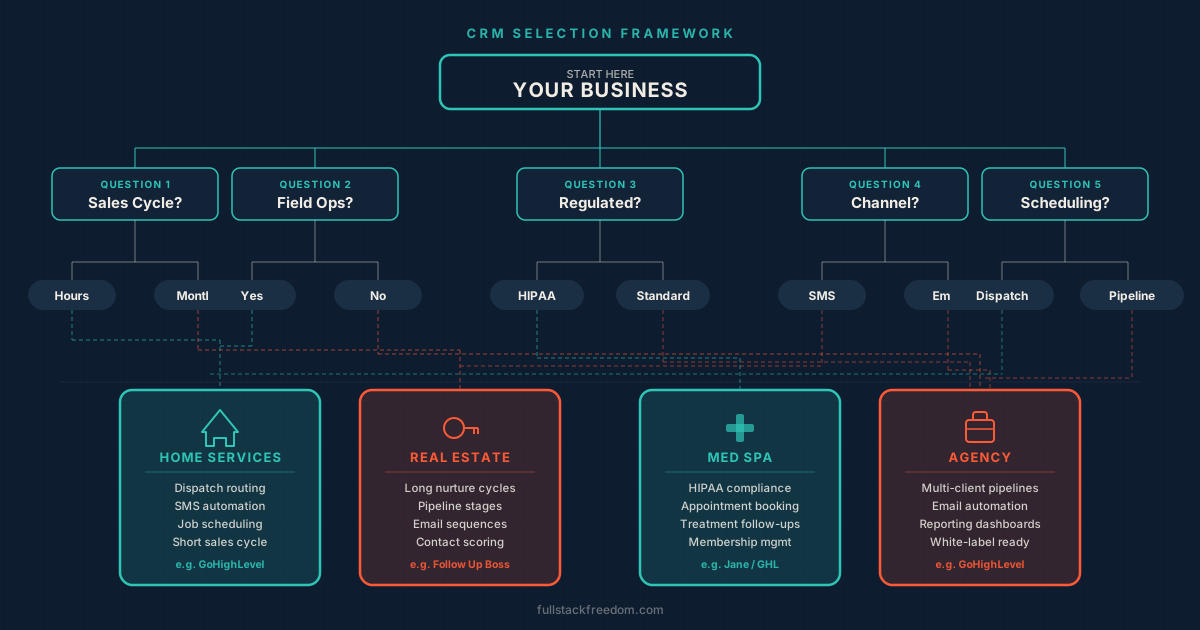
5 Questions to Ask Before You Choose a CRM by Industry
This is the framework I use when a founder or operator asks me what CRM they should be on. Answer these five questions honestly and you’ll narrow the field from dozens of options to two or three real contenders.
1. What does your sales cycle look like?
Short and urgent, or long and relationship-driven?
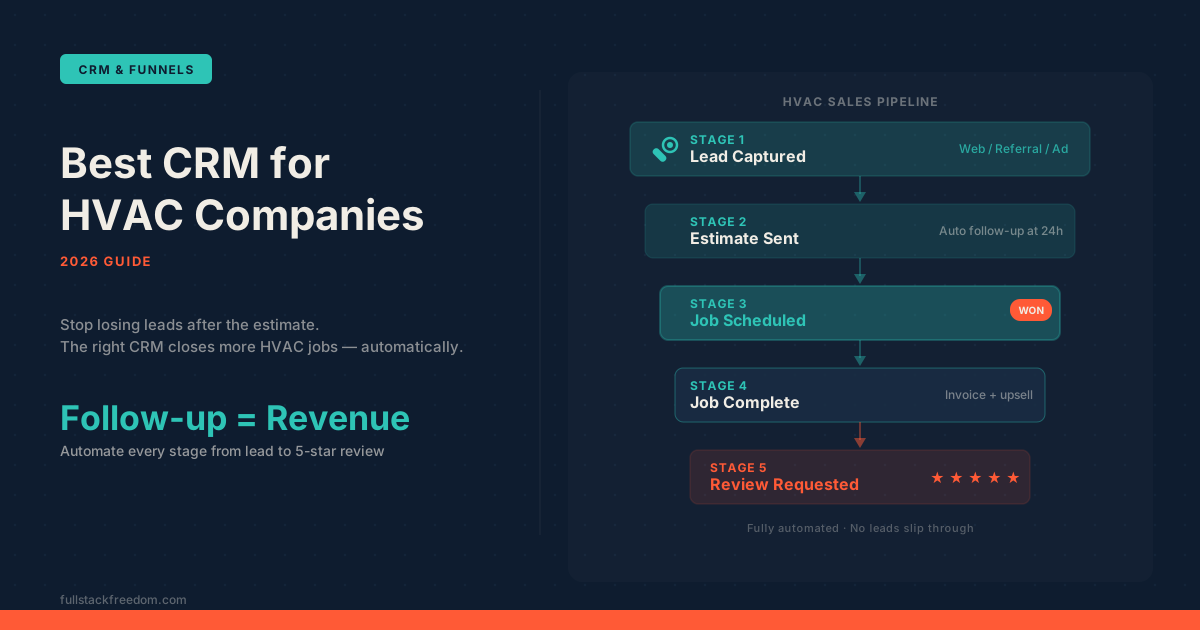
Home services like HVAC, plumbing, and roofing operate on a cycle measured in hours to days. A homeowner’s furnace breaks at 6pm. They need someone tonight or tomorrow morning. Speed-to-lead is the primary lever in this world. Studies consistently show that responding within five minutes versus 24 hours can transform conversion rates. That means your CRM needs automated lead capture and instant response built in.
Real estate is the opposite. From first contact to closing can be six months to a year. The job is staying top of mind without being annoying, which means long drip sequences, segmented follow-up by buyer readiness, and careful lead source tracking. You’re not racing to the phone. You’re playing the long game.
Getting this wrong is expensive. A real estate CRM dropped into an HVAC shop won’t have the dispatch functionality you need. An FSM platform dropped into a real estate operation won’t have the 12-month nurture sequences.
2. Do you need field operations?
This is the one question that cuts the decision in half.
If your business deploys people to job sites (technicians, contractors, inspectors, crews), you likely need a Field Service Management platform with CRM built in, not a standalone CRM. Tools like ServiceTitan, Jobber, and Housecall Pro are built around dispatch boards, GPS tracking, work orders, pricebooks, and mobile access for field techs. A standard CRM doesn’t do any of that.
If your business operates from an office, a clinic, or remotely, with no field operations needed, then standalone CRMs and marketing automation platforms are on the table. That opens up a much broader set of options.
3. Are you in a regulated industry?
Compliance isn’t optional, and most CRM comparison articles completely ignore it.
Medical spas, aesthetic medicine practices, and healthcare-adjacent businesses fall under HIPAA, which requires Business Associate Agreements (BAAs), data encryption, audit logs, and strict controls over patient health information. Getting this wrong isn’t a feature gap. It’s a legal liability. Many popular CRMs cannot sign a BAA, which means they can’t legally be used to store patient data.
If you’re in a regulated industry, this question eliminates a large chunk of the market immediately. Start here, not at the feature list.
4. What’s your primary communication channel?
Your CRM needs to match how your customers actually want to talk to you, not how you want to talk to them.
90% of home service customers prefer text. If your CRM doesn’t have native two-way SMS built in, you’re adding friction to the most important part of your customer relationship. Real estate works best with a combination of email and SMS: longer-form communication for buyers who are in research mode, text for quick scheduling and urgent updates. B2B agencies tend to live on email and phone, with SMS as a secondary channel.
A CRM that does email beautifully but has limited SMS capabilities is the wrong tool for an HVAC company. A CRM that’s SMS-first but has weak email automation might leave a real estate team frustrated during long nurture campaigns.
5. Is scheduling a core CRM function for you?
For some businesses, the CRM and the scheduling system are the same thing. For others, scheduling is handled separately or doesn’t really apply.
Appointment-based businesses (med spas, aesthetic clinics, real estate showings, consultants) need scheduling baked directly into the CRM. Clients should be able to book, reschedule, and receive reminders from within the same system that tracks their relationship history. Disconnecting the scheduler from the CRM creates manual data entry and gaps in customer context.
Pipeline-based businesses (agencies, B2B service firms, SaaS sales) usually don’t need scheduling as a core CRM function. They need stage-based pipeline management, task automation, and deal tracking. Scheduling is a secondary tool.
The Framework at a Glance
| Variable | Home Services | Real Estate | Med Spa | Agency |
|---|---|---|---|---|
| Sales cycle | Hours–days | Months–year | Days–months | Weeks–months |
| Primary channel | SMS | Email + SMS | Email + app | Email + phone |
| Field ops needed? | Yes | No | No | No |
| Compliance | Licensing | None | HIPAA | None |
| Scheduling core? | Dispatch | Showings | Appointments | No |
Industry Breakdown: Which CRM Actually Fits
Once you’ve run the framework, here’s how it maps to specific industries.
Home Services: HVAC, Roofing, Plumbing
The fundamental rule here: you need FSM first, not a standalone CRM.
Home service businesses live and die on speed-to-lead and operational efficiency. A tech who shows up on time with the right parts, invoices on the spot, and triggers a review request the moment the job closes. That’s the machine you’re building. No generic CRM does that out of the box.
The must-have features for home services:
- Dispatch and scheduling board
- GPS tracking for field techs
- Mobile access (techs need this on-site)
- Job costing and pricebook
- Photo documentation
- Automated review requests post-job
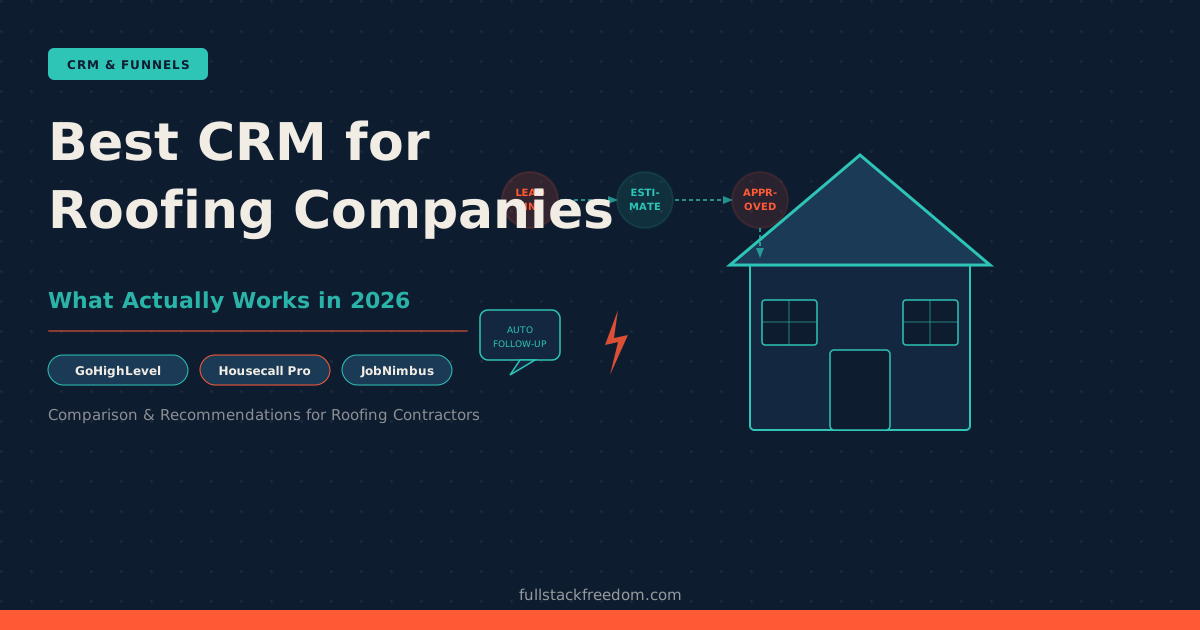
Platforms built for this: ServiceTitan for enterprise operations ($3M+ revenue), Jobber for smaller shops getting organized, and Housecall Pro for growing residential operations in the 2-15 tech range.
I covered the HVAC-specific decision in the best CRM for HVAC companies breakdown. The roofing CRM comparison is worth reading too, since roofing has some unique differences around job costing and multi-crew dispatch.
Real Estate
The defining constraint in real estate isn’t speed. It’s duration. Buyers and sellers take months to be ready, and staying relevant without being annoying is the whole game.
That means your CRM needs long-form nurture capability: drip sequences measured in months, behavioral triggers (when someone opens an email or revisits a listing), and clean lead source tracking so you know which channels are actually converting.
Beyond nurture, real estate CRMs often need:
- MLS integration for syncing listings and lead data
- Showing scheduling built in or tightly integrated
- Team lead routing if you’re running a team
- Lead source attribution to track marketing spend
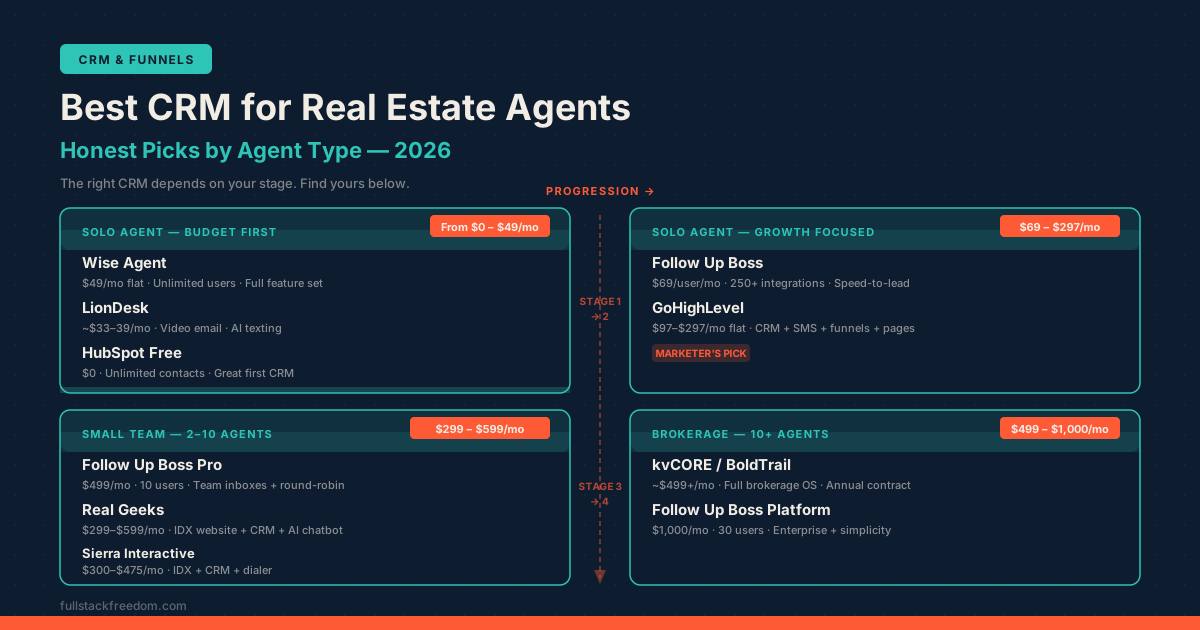
Strong options in this space: Follow Up Boss is widely used by real estate teams who’ve outgrown generic tools. LionDesk is a solid mid-market option with good SMS and video capabilities. Sierra Interactive runs a more integrated platform combining IDX websites with CRM.
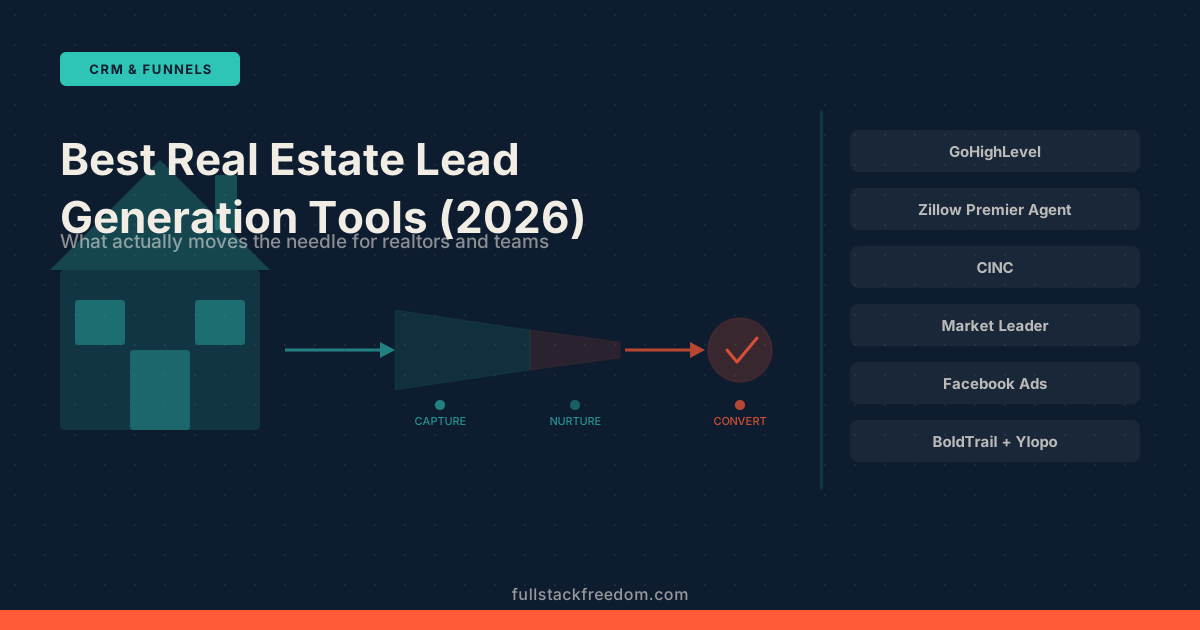
The best CRM for real estate agents post breaks this down by agent type. If you’re focused on the lead gen side specifically, the real estate lead generation tools comparison covers what feeds the CRM in the first place.
Med Spa and Aesthetic Medicine
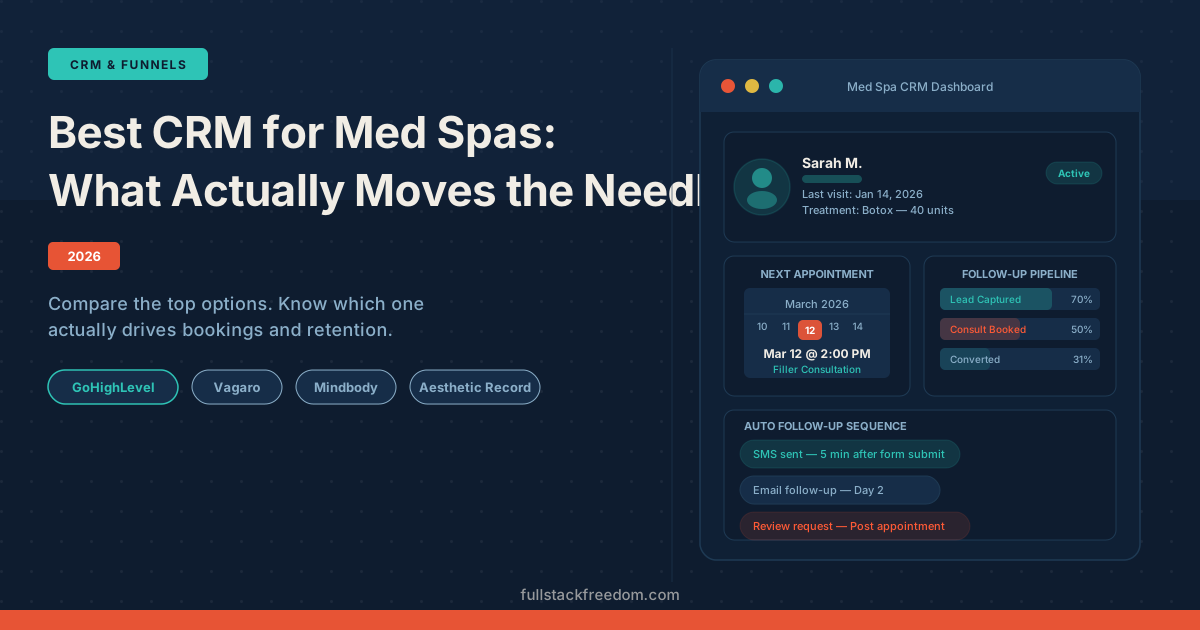
HIPAA compliance isn’t optional. If you’re storing any patient health information (treatment notes, photos, consultation history), you need a CRM or practice management platform that can sign a BAA and meet the technical safeguards HIPAA requires. This eliminates most general-purpose CRMs immediately.
Beyond compliance, med spa businesses have a few unique CRM requirements:
- Clinical photography with before/after tracking
- Rebooking automation (clients who lapse after 90 days need a re-engagement sequence)
- Membership and package management
- Client LTV tracking (this matters more than pipeline stage in this model)
- Appointment reminders and waitlist management
Platforms built for this vertical: Zenoti is the enterprise option with deep compliance features and membership management. Mangomint is a cleaner, faster experience that’s gaining serious traction among boutique practices. AestheticsPro covers the clinical photography and EMR side more deeply.
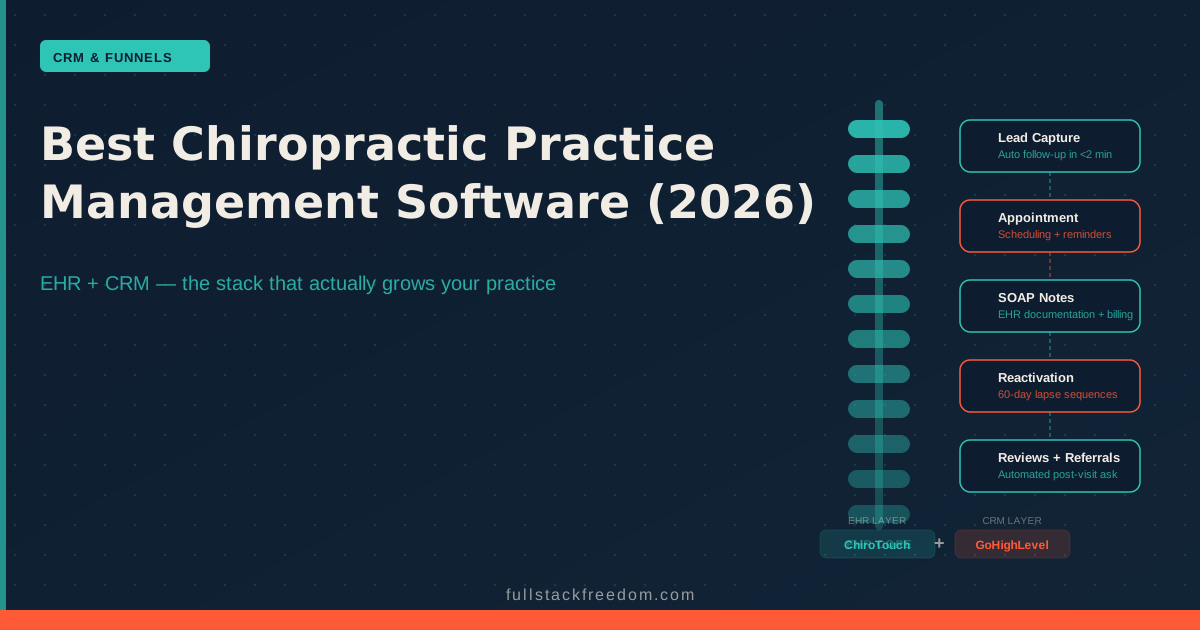
The key shift in thinking for this industry: you’re not managing a sales pipeline. You’re managing client lifetime value. The metrics that matter are rebooking rate, average spend per visit, and membership retention. The best CRM for med spas post goes deeper on platform selection and the compliance tradeoffs. For chiropractic practices with similar scheduling needs but different clinical workflows, the chiropractic practice management software breakdown covers the specifics.
Agencies and Marketing Services
Agencies operate differently from every other category on this list. The sales cycle is weeks to months, the communication is primarily email and calls, there’s no field operation, no HIPAA, and scheduling is secondary to pipeline management.
What agencies actually need: deal stage tracking, task automation, client communication history, and often some hybrid of CRM and project management. The handoff from “prospect” to “active client” needs to be clean and auditable.
GoHighLevel is the standout for agencies, and not just because of the CRM. GHL combines pipeline management, email and SMS automation, landing pages, funnels, reputation management, and reporting in one platform, and it’s built with a white-label resell model that lets you productize the whole stack for clients.
The agency CRM decision is also often driven by what you’re building for clients. If you’re setting up CRM systems for service businesses, being fluent in GHL means you can deploy the same platform for your agency and for your clients. That’s a compounding advantage over time.
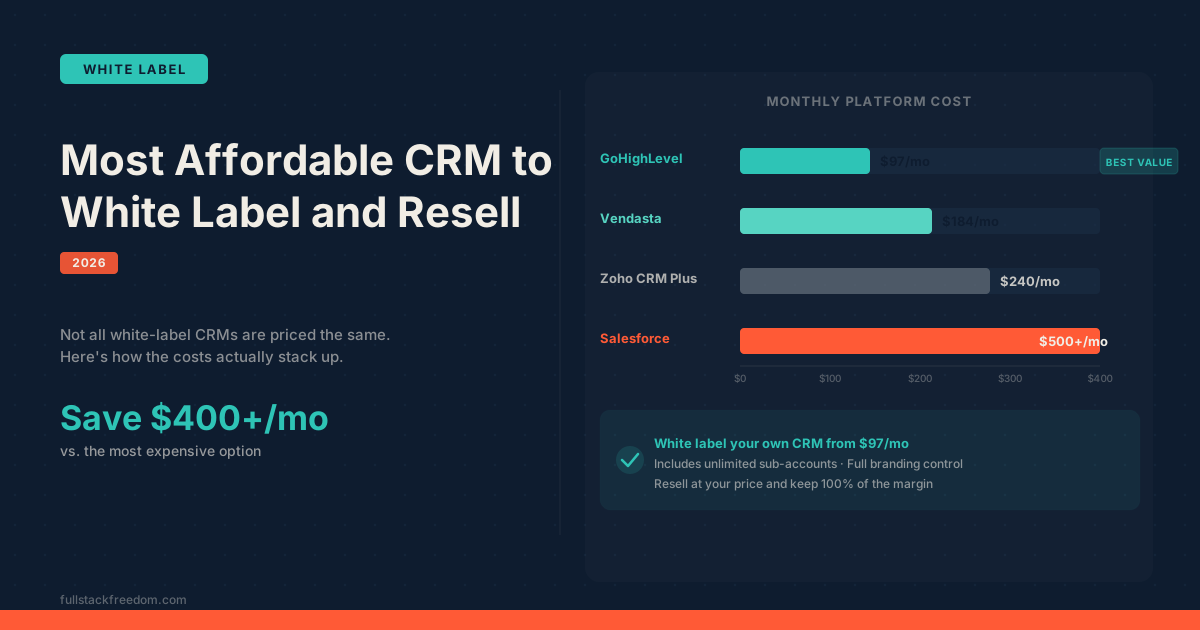
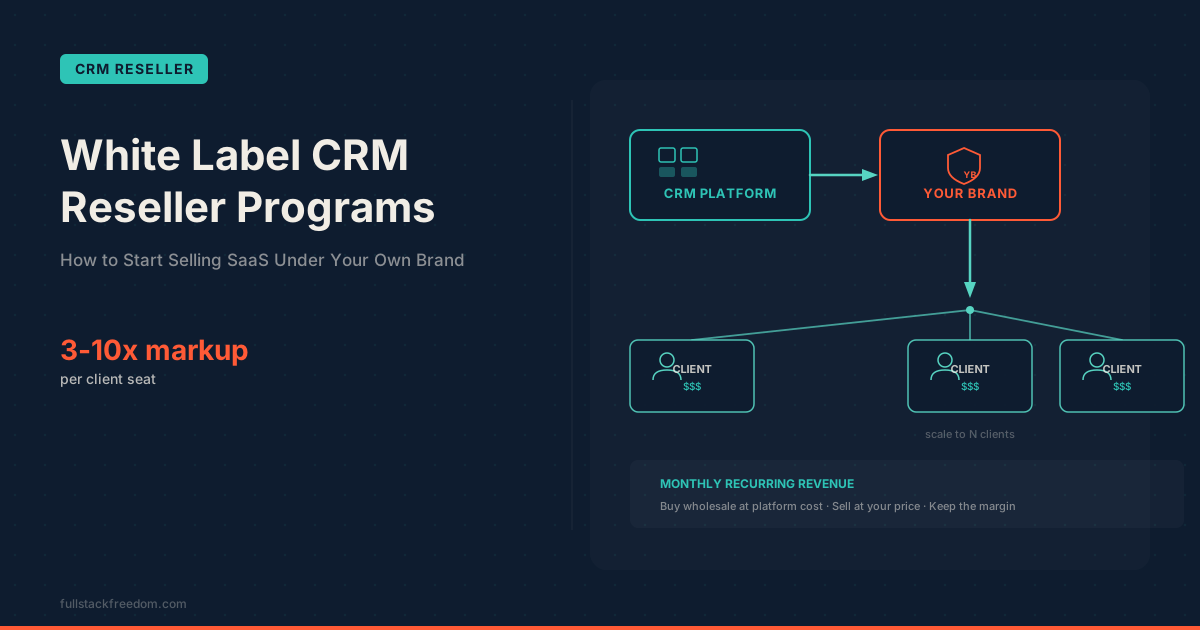
If you’re exploring the resell angle (charging clients for a branded version of the platform), the white-label CRM reseller programs breakdown covers the economics and setup in detail. And if you’re comparing platforms on cost before committing, I covered the most affordable CRM to white label options separately.
Generic vs. Vertical CRM: When Each Is the Right Call
There’s a real tension here between flexible platforms and vertical-native tools. Both have a legitimate place, and the answer depends on your situation.
Go vertical-native when:
- You’re in a regulated industry (HIPAA, financial services)
- You have field operations (dispatch, GPS, job management)
- Your industry has highly specific workflows that generic tools don’t support well
- You’re under $3M revenue in a specific trade and need something that works out of the box
Sub-$3M businesses in home services should almost always start with the industry tool. The setup cost is lower, the workflows are pre-built, and you won’t spend six months configuring a generic platform to do what the vertical tool does on day one.
Go flexible platform when:
- You’re an agency or operator managing multiple clients across different verticals
- You need CRM plus marketing automation in a single stack
- You’re building a white-label product to resell
- Your workflows are custom enough that no vertical tool fits cleanly
GoHighLevel and tools like HubSpot sit in this category. They’re not going to replace ServiceTitan for a 20-tech HVAC operation. But for an agency managing clients across five different industries, GHL’s flexibility is the feature.
The honest answer: most businesses don’t need to choose between good and flexible. They need to know which camp they’re in, then pick the best tool in that camp. If you’re earlier in the process and just need a simple way to organize contacts and customer info, the best customer database software for small business guide is a good starting point before jumping into a full CRM.
What This Means for You
If you’ve been sitting on a CRM decision because every option looks similar and the comparison articles all contradict each other, that’s because most of them skip the diagnostic work. They compare features without asking whether those features match your operation.
Run the five questions first. Write down your answers. Then look at which tools serve your category, not which tools have the best pricing page or the highest G2 score.
The ROI data on CRM is real: $8.71 return per $1 spent. But that number assumes you picked the right tool. A CRM that doesn’t match your sales cycle, your communication channel, or your compliance requirements will underperform no matter how well it’s implemented. The framework gets you to the right shortlist. Then you trial two or three options and let real usage make the final call.
Start narrow, not broad. If you’re in a specific trade, start with the vertical tool. If you’re an agency or multi-vertical operator, start with a flexible platform. You can always layer on more capability as you grow, but reconfiguring the wrong tool after six months of data is expensive in both time and momentum.
If you want a CRM selection worksheet that walks through the framework with your specific numbers, I’ve got that in the Skool community. Free to join, and that’s where the practical tools live alongside the concepts.