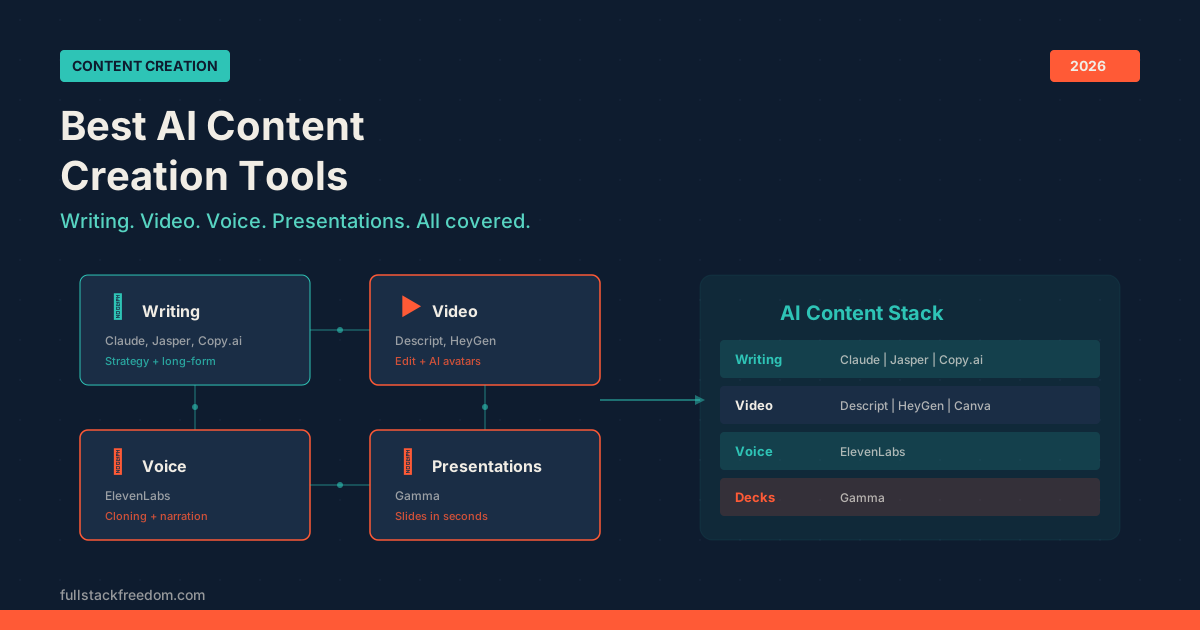
The hardest part of content creation used to be the actual creating. Writing a blog post took a day. Editing a video took a weekend. Building a presentation deck meant hours of dragging boxes around in PowerPoint. Now, AI content creation tools have compressed most of that work into minutes, if you pick the right ones.
I run a content operation across YouTube, a newsletter, and a community. Every tool on this list is something I’ve either used personally or tested enough to have an informed opinion about. No padding. No tools I included just to hit a round number.
This is the stack I’d recommend if you’re a founder, agency owner, or solo operator trying to produce more content without hiring a team.
Quick Comparison: AI Content Creation Tools
Here’s the full roster before we break each one down. Tools are organized by what they actually help you produce.
| Tool | Best For | Category | Pricing |
|---|---|---|---|
| Claude | Long-form writing + strategy | Writing | Free / $20/mo Pro |
| Jasper | Brand-voice content at scale | Writing | $39/mo+ |
| Descript | Video + podcast editing | Video | Free / $24/mo+ |
| HeyGen | AI avatar videos | Video | Free / $24/mo+ |
| Canva AI | Visual content + short video | Design | Free / $13/mo Pro |
| ElevenLabs | Voice cloning + narration | Voice | Free / $5/mo+ |
| Gamma | AI-generated presentations | Presentations | Free / $10/mo+ |
| Midjourney | AI image generation | Images | $10/mo+ |
| Copy.ai | Marketing copy workflows | Writing | Free / $36/mo+ |
Writing and Long-Form Content
1. Claude — Best for Strategy, Writing, and Deep Work
Claude is the backbone of my writing workflow. It handles everything from first drafts to content strategy, and it does it with a depth that most AI tools can’t touch. Feed it a transcript, a brief, or a rough outline and it produces writing that actually sounds like a human thought about it.
What sets Claude apart is the extended context window. You can load entire content libraries, past blog posts, or brand guidelines into a single conversation and get coherent, on-brand output. I use it to draft every blog post, repurpose video transcripts, and build content calendars.
If you’re only going to use one AI tool for content, this is the one. Pair it with a good editing process and you have a content engine that rivals a small writing team.
Pricing: Free tier available. Pro plan at $20/month.
2. Jasper — Best for Brand-Consistent Content at Scale
Jasper has evolved from a basic copywriting tool into a brand-aware content platform. The standout feature is its brand voice training: feed it your existing content and style guidelines, and it produces drafts that match your tone without constant re-prompting.
For teams cranking out blog posts, emails, social copy, and ad variations every week, Jasper saves serious time. It’s less useful for strategic thinking (Claude is better there), but for raw production volume with consistency, it earns its spot.
Pricing: Starts at $39/month for the Creator plan.
3. Copy.ai — Best for Marketing Copy Workflows
Copy.ai has shifted from a simple copy generator into a workflow automation platform for go-to-market teams. You can chain together research, writing, and distribution steps that run on autopilot.
The sweet spot is repeatable marketing processes: think lead enrichment feeding into personalized outreach sequences, or competitor monitoring that generates weekly briefs. If you do the same types of content work on a regular cycle, Copy.ai can automate the boring parts.
Pricing: Free tier with limited workflows. Pro at $36/month.
Video Editing and Production
4. Descript — Best for Video and Podcast Editing
Descript changed how I think about video editing. Instead of dragging clips around on a timeline, you edit video by editing text. It transcribes your footage, you delete the sentences you don’t want, and the video edits itself. Filler word removal, silence trimming, and multi-track editing all happen in the same interface.
For anyone producing YouTube videos, podcast episodes, or course content, Descript eliminates the biggest bottleneck: the editing process. I use it for every video on my channel. The AI features keep getting better: automatic eye contact correction, studio-quality audio enhancement, and AI-generated clips for social media.
If you create any kind of video or audio content, Descript should be the first tool you set up. It’s the single biggest time-saver in my entire content stack.
Pricing: Free tier available. Pro at $24/month.
5. HeyGen — Best for AI Avatar Videos
HeyGen lets you create professional-looking videos without ever turning on a camera. Upload a script, pick an AI avatar (or clone your own likeness), and HeyGen generates a talking-head video with natural movement and lip sync.
This is incredibly useful for product demos, internal training videos, sales outreach, and social content when you don’t have time for a full production setup. The avatar quality has improved dramatically. Most viewers can’t tell the difference on a quick scroll through LinkedIn or Instagram.
I use it for repurposing written content into video format and for creating content in multiple languages using the same avatar. The translation and dubbing features alone make it worth testing.
Pricing: Free tier with limited minutes. Creator plan at $24/month.
6. Canva AI — Best for Visual Content and Quick Videos
Canva added AI features across its entire platform, and the result is a tool that now covers design, short-form video, presentations, and social media templates in one place. The Magic Design feature generates layouts from a text prompt, and the AI image generator handles custom graphics without needing a separate tool.
For quick social posts, YouTube thumbnails, short video clips, and branded templates, Canva is hard to beat on value. It’s not the most powerful option in any single category, but the breadth makes it a workhorse for solo operators who need to move fast across multiple formats.
Pricing: Free tier is genuinely useful. Pro at $13/month.
Voice and Audio
7. ElevenLabs — Best for Voice Cloning and Narration
ElevenLabs produces the most realistic AI-generated voices I’ve heard. The text-to-speech output captures tone, pacing, and emotion in a way that other voice tools simply don’t match. You can clone your own voice from a short sample and then generate narration, voiceovers, or audio content at scale without recording anything.
I use it for video narration, audio versions of written content, and creating voiceovers for tutorials. The voice cloning quality is good enough that most listeners can’t distinguish it from a real recording. It also supports dozens of languages, which opens up content distribution to global audiences.
If you produce any content that needs a voice track (courses, explainer videos, podcasts, audiobooks), ElevenLabs is the current standard.
Pricing: Free tier with limited characters. Starter plan at $5/month. Scale plans available for higher volume.
Presentations and Decks
8. Gamma — Best for AI-Generated Presentations
Gamma does something that sounds simple but is genuinely transformative: you describe what your presentation should cover, and it builds the entire deck. Not just text on slides, but actual designed layouts with visuals, charts, and proper structure.
For founders building pitch decks, agencies creating client presentations, or anyone who dreads the slide-building process, Gamma compresses hours of work into minutes. The output is clean enough to present as-is in most cases, and the editing interface makes refinements fast.
I’ve used it for webinar decks, workshop materials, and content repurposing, turning blog posts into slide presentations for LinkedIn or community posts. The one-click redesign feature means you can test different visual styles instantly.
Pricing: Free tier with Gamma branding. Plus plan at $10/month.
Images and Visual Generation
9. Midjourney — Best for AI Image Generation
Midjourney remains the top choice for high-quality AI-generated images. The latest versions produce photorealistic output and stylized illustrations that work well for blog headers, social media graphics, and brand imagery.
The learning curve is slightly steeper than other tools on this list since it runs through Discord, but the output quality justifies the setup. For content creators who need custom visuals without hiring a designer or buying stock photos, Midjourney fills the gap completely.
Pricing: Basic plan at $10/month.
How to Build Your AI Content Stack
You don’t need all nine of these tools. The right stack depends on what content formats you actually produce. Here’s how I’d tier it:
Starter stack (free to $20/month):
- Claude for writing and strategy
- Canva AI for design and visuals
- Descript free tier for basic video editing
Growth stack ($50-80/month):
- Everything above, plus:
- Descript Pro for full video editing
- ElevenLabs for voice content
- Gamma for presentations
Full production stack ($150+/month):
- Everything above, plus:
- HeyGen for avatar videos
- Jasper for scaled content production
- Midjourney for custom imagery
The key principle: start with the tools that match the content you’re already making, then expand as you add new formats. Don’t buy a voice cloning tool if you don’t produce audio content yet.
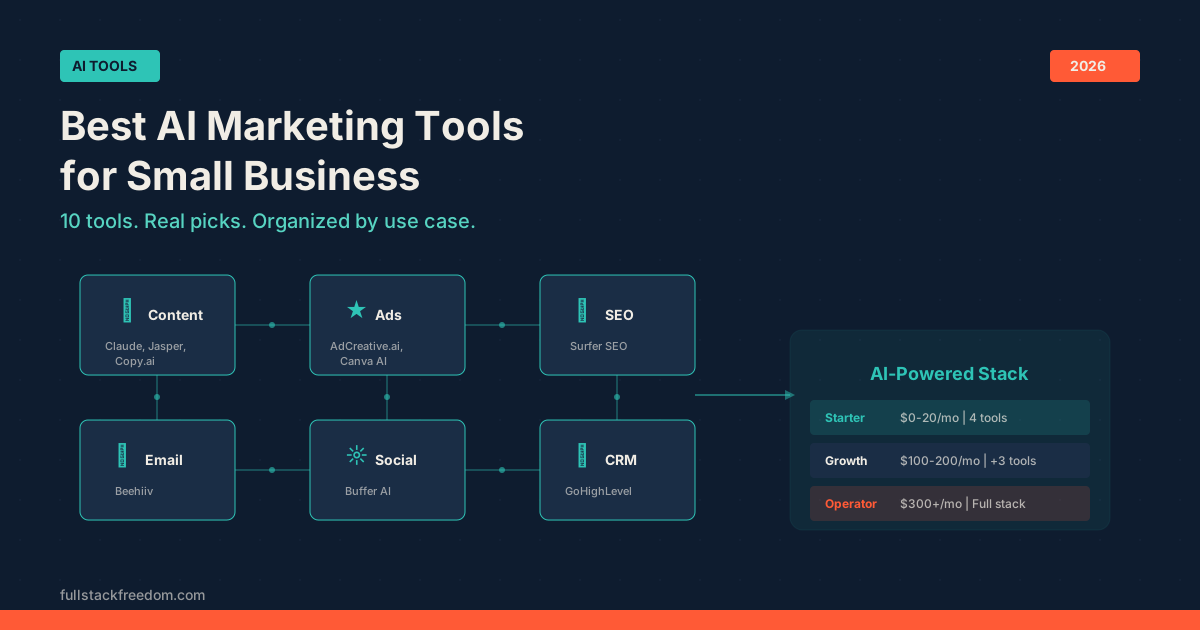
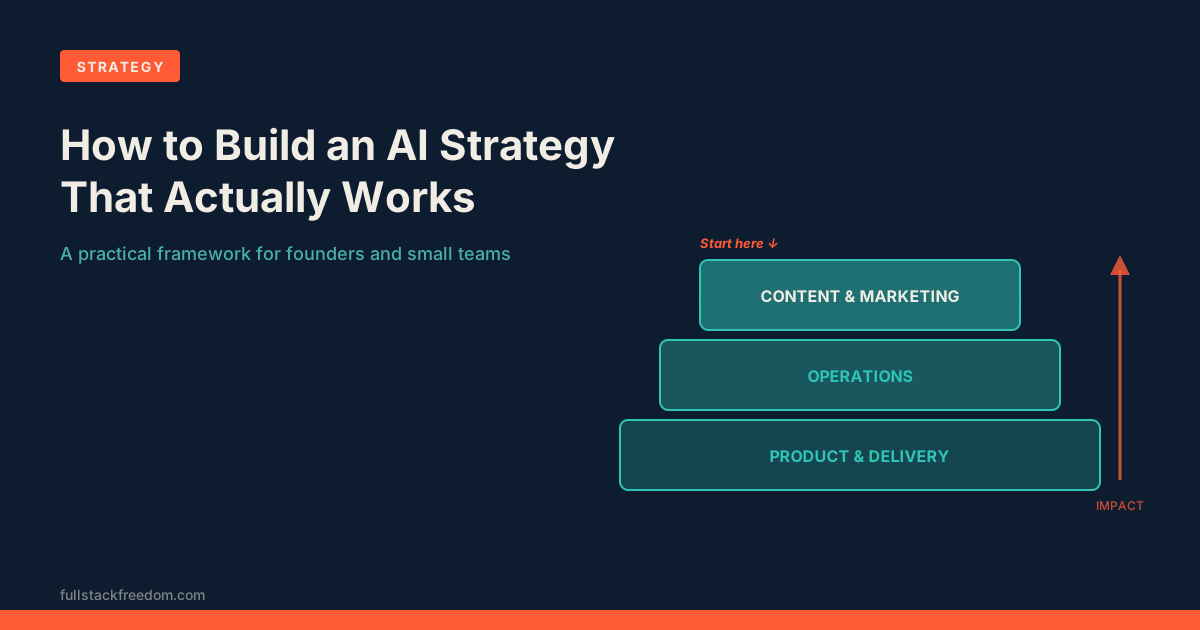
If you want to understand how these content tools fit into a broader AI strategy for your business, that post breaks down the bigger picture. And if you’re specifically looking for tools that handle the marketing and distribution side (not just creation), check out the best AI marketing tools roundup.
For the automation layer that connects all of these tools together, the best AI automation tools post covers workflow builders, integration platforms, and the glue that makes a multi-tool stack actually function.
Bottom Line
AI content creation tools in 2026 aren’t experimental anymore. They’re the default way to produce content if you’re running lean. The tools above cover writing, video, voice, presentations, and visuals, which means a single person can now output what used to require a small team.
The difference between operators who ship consistently and those who don’t usually comes down to having the right tools configured and knowing when to use each one. Pick two or three from this list, get them set up, and start producing.
If you want the prompts, templates, and workflows I use with these tools, they’re all inside the Skool community. It’s the place where we share what’s actually working, not theory, just the operational stuff.