The ai video tools space has gotten serious fast. A year ago, most of these were demos. Now they’re production-ready, and founders and creators are shipping content with them that would have taken a full video team six months ago.
I’ve been testing these tools as part of my own content workflow, and this is the honest breakdown of what’s actually useful. No fluff, no ranking-for-rankings-sake. Just what the tools do, what they cost, and when you’d reach for them.
The Categories That Matter
Before jumping into specific tools, it helps to think about AI video in terms of what job you’re hiring it to do. There are five distinct categories:
- Text-to-video generation — create clips from a written prompt
- AI video editing — cut, clean, and polish existing footage faster
- AI avatar videos — talking-head videos without a camera
- AI voice and dubbing — generate or clone voices, translate video audio
- Video repurposing — turn long-form content into short clips automatically
Most people don’t need all five. Figure out which problem is costing you the most time and start there.
AI Avatar Video Makers
These tools let you create talking-head videos from a script without ever turning on a camera. For founders who want to show up consistently on video but can’t (or won’t) record every week, this category is worth paying close attention to.
HeyGen
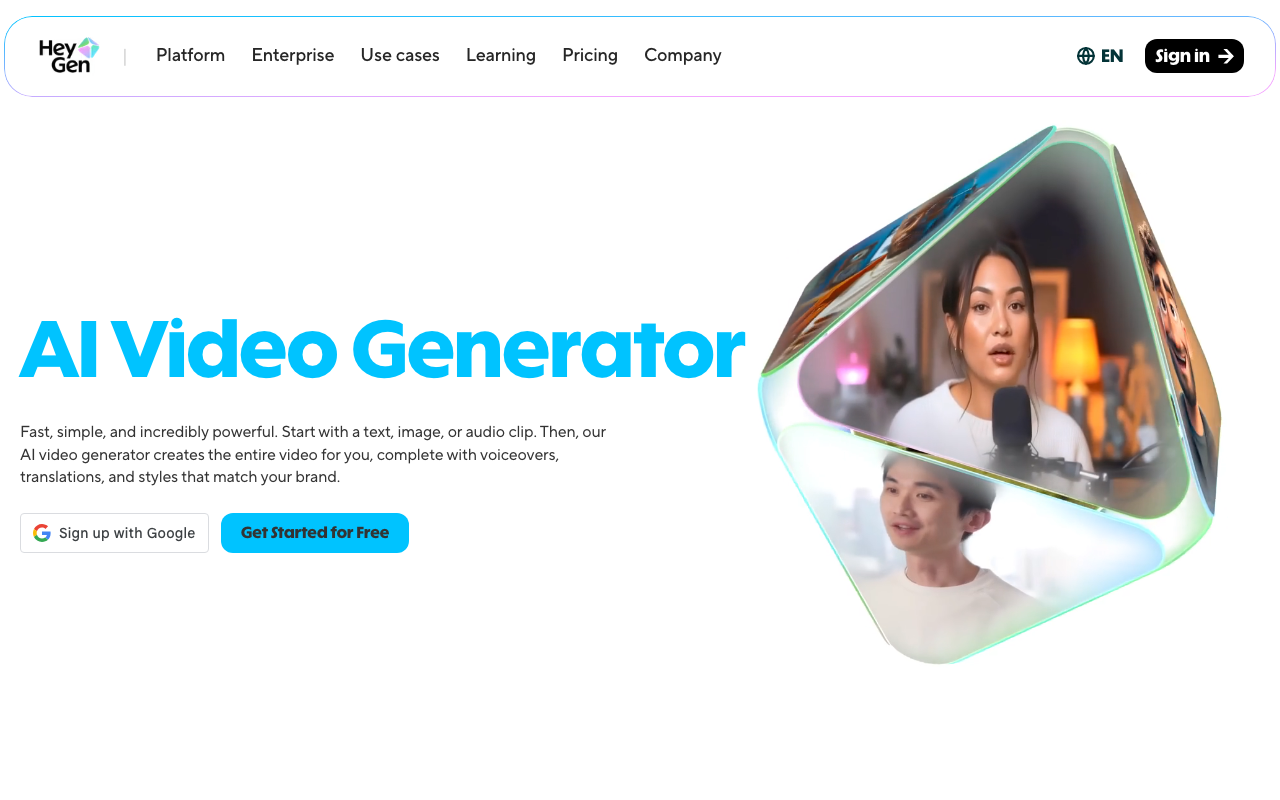
HeyGen is the tool I keep coming back to for avatar video. The Avatar IV model produces lifelike results that are noticeably better than what was possible even twelve months ago. Lip sync, eye movement, natural pauses — it reads like a real person recorded it.
The Video Agent feature is what makes it especially powerful for lean teams. You give it a single prompt, and it generates a full talking-head video: avatar, script, and visuals. That’s a meaningful workflow compression if you’re producing educational or marketing content at volume.
Pricing starts at $24/month. For the output quality and time saved, that’s a strong value proposition.
Synthesia
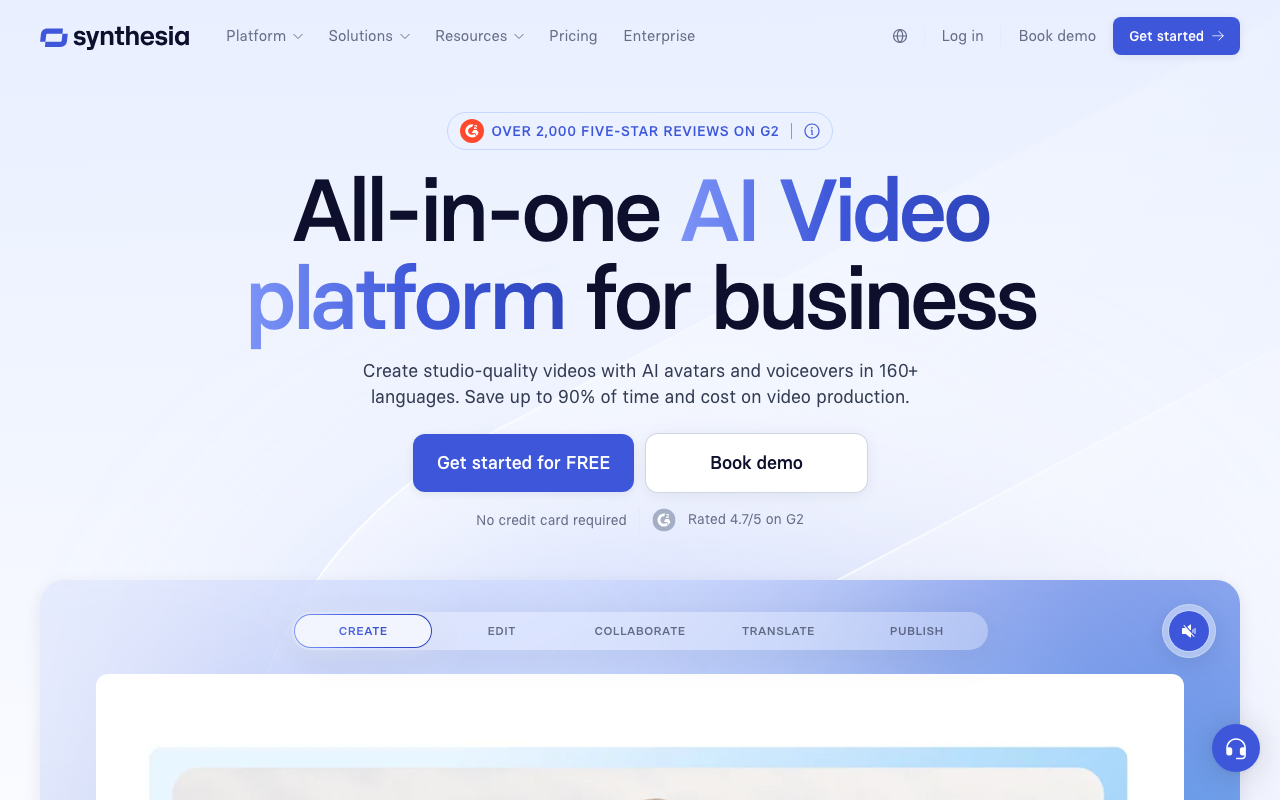
Synthesia has been in the enterprise AI avatar space longer than most. It’s polished, reliable, and favored by teams producing training content, product explainers, and internal communications at scale.
The interface is clean and the avatar library is deep. If you need multilingual output or branded avatar templates, Synthesia handles that well. Pricing starts at $22/month, though the more powerful enterprise features push costs higher. For solo operators, HeyGen is probably the better starting point. Synthesia shines when you’re managing a content pipeline with multiple stakeholders.
Captions
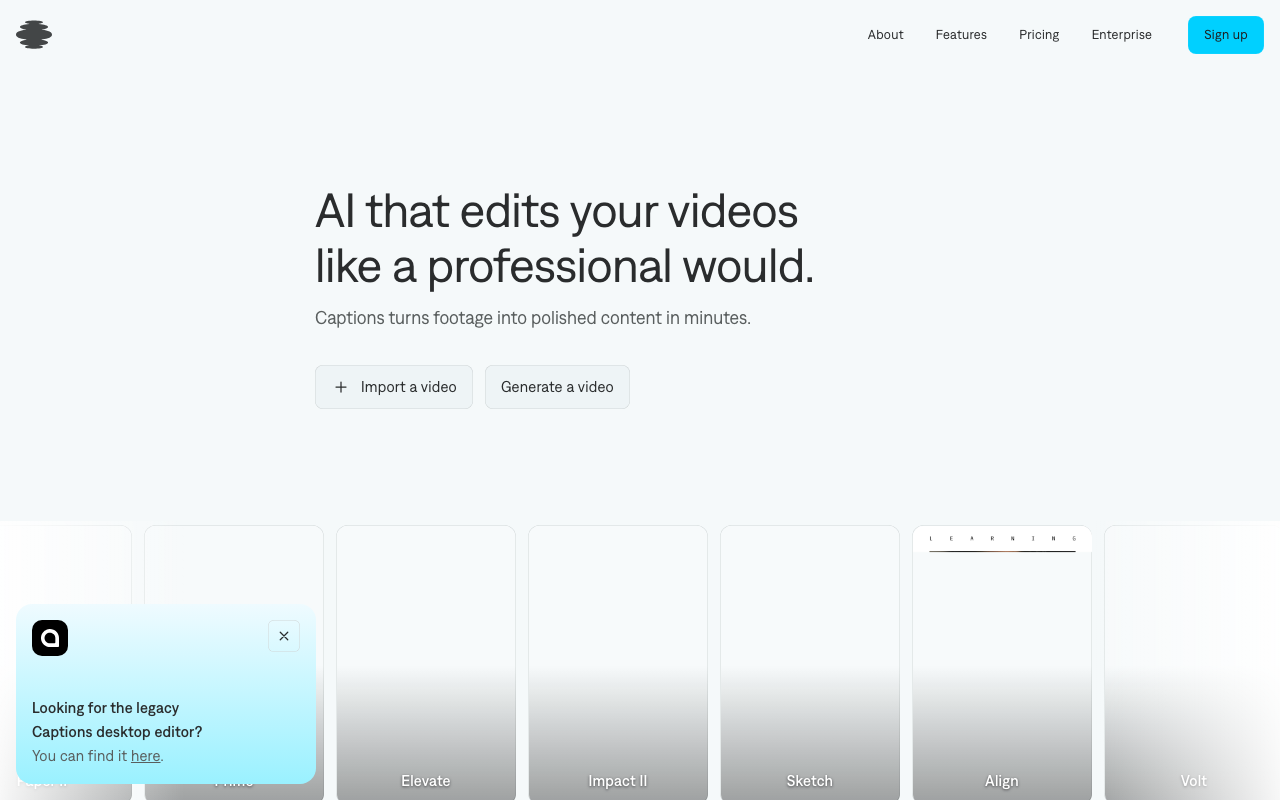
Captions started as an auto-captioning app and has evolved into a full AI video creation tool. It’s particularly strong on mobile and is popular with individual creators.
The AI avatar feature and auto-caption engine work well together if you’re building a social-first content workflow. Starting at $10/month, it’s the most accessible option in this category. The tradeoff is that it’s less polished than HeyGen for client-facing or professional video production.
AI Video Editing Tools
These tools don’t generate video from scratch. They take footage you already have and make the editing process dramatically faster.
Descript
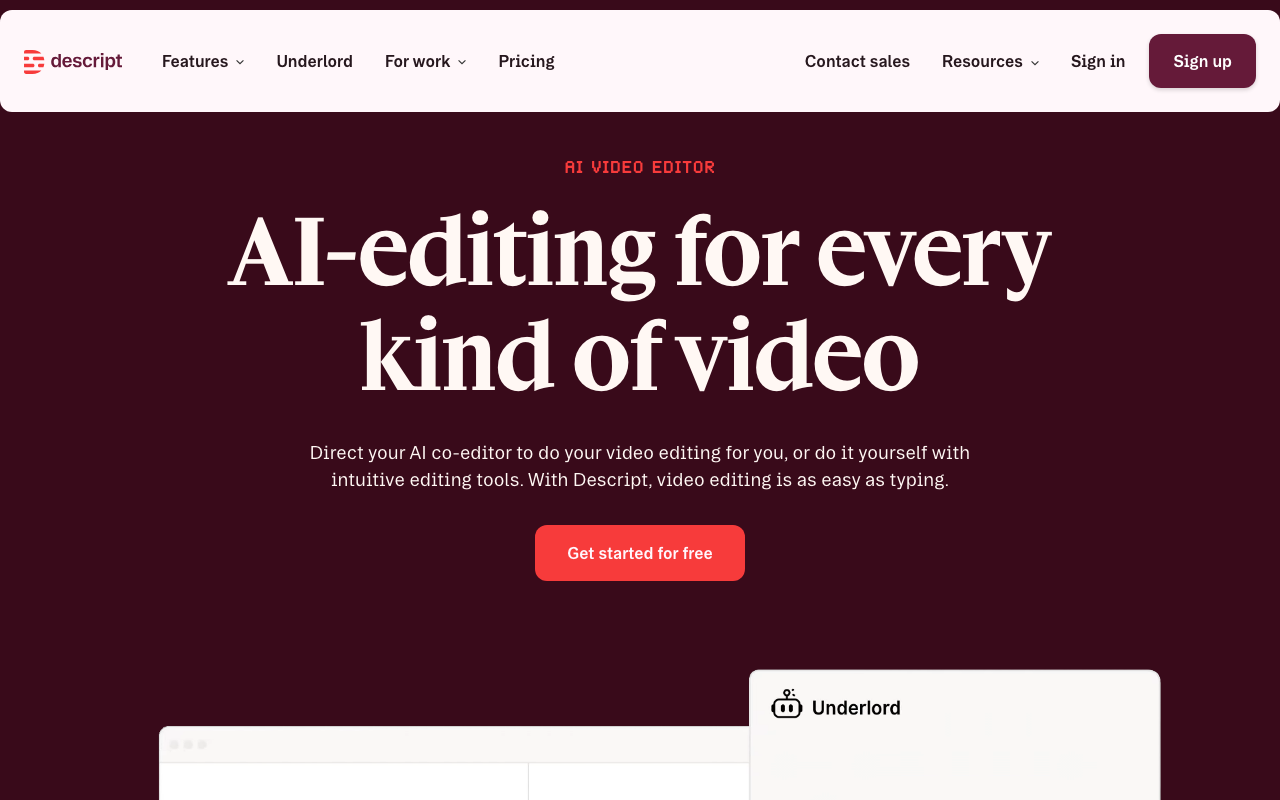
Descript is the editing tool I use for my own video workflow. The core idea: your video becomes a text document. You edit the transcript, and the video follows. Cut a sentence from the script, and that clip disappears from the timeline.
That alone is worth the price. But the filler word removal is what gets me every time — it finds every “um,” “uh,” and “like” and strips them in one click. Eye contact correction and green screen are baked in at the same tier. Pricing starts at $24/month, which is genuinely reasonable for what it does. If you’re producing any kind of recorded video content and you’re not using Descript, you’re leaving time on the table.
AI Voice and Dubbing
Voice is often the bottleneck in video production. If you’re localizing content, building a faceless channel, or just want a consistent voiceover without recording every take, this category solves that.
ElevenLabs
ElevenLabs is the best AI voice tool available right now. The voice quality is genuinely hard to distinguish from a real recording at normal listening speed. Voice cloning lets you create a custom voice from a short audio sample, which means your content can sound like you even when you didn’t record it.
The dubbing feature supports 32 languages and is increasingly useful for creators who want to reach international audiences without hiring translators and voice actors. There’s a free tier to get started, and paid plans scale based on usage. For any content workflow that involves voiceover or localization, this is the tool to know.
Text-to-Video Generation
This category is moving the fastest. Six months ago the outputs were mostly novelty. Now they’re good enough to use in real production, especially for b-roll, social content, and conceptual clips where you don’t need photorealistic humans.
Runway
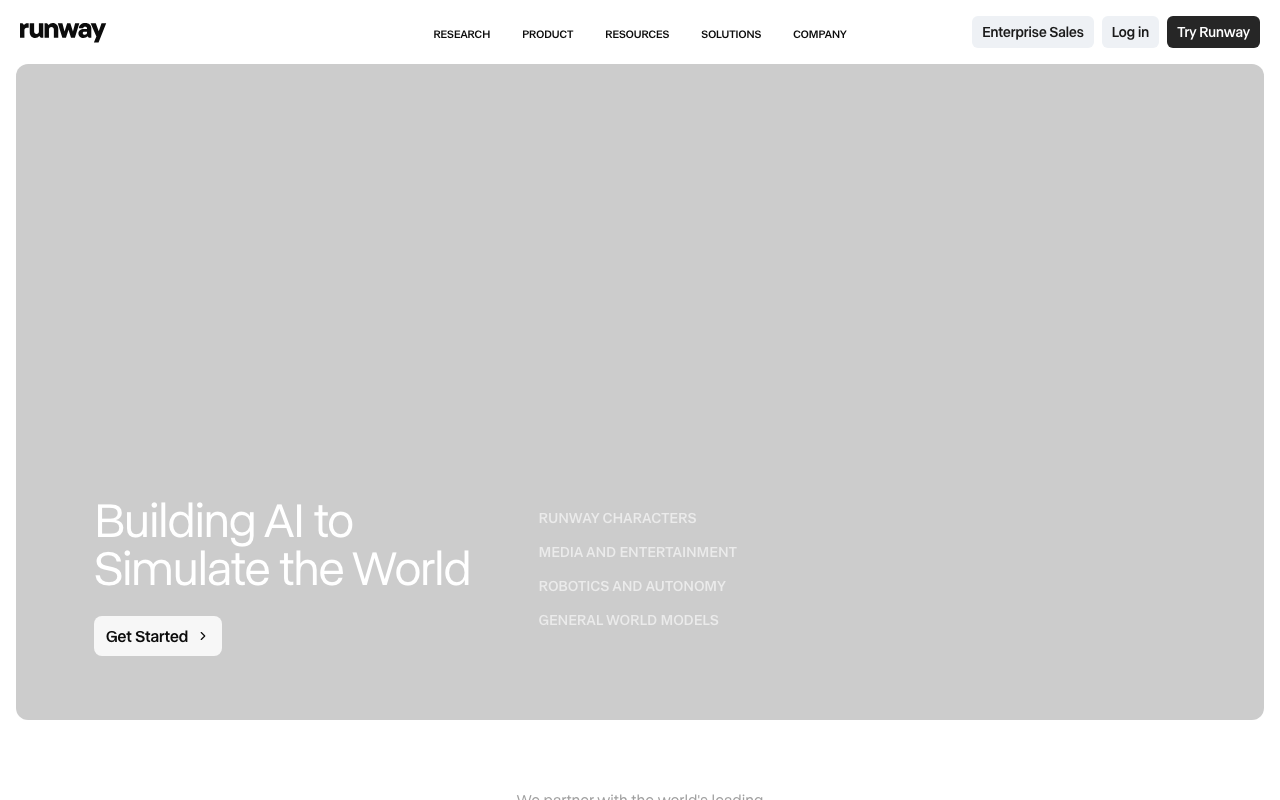
Runway is the creative professional’s choice for AI video generation. The Gen-3 Alpha model produces high-quality, cinematic-feeling clips from text prompts. The motion handling and lighting are notably better than earlier generations.
Runway is where serious creative teams go when they want fine control over the output. It’s not just point-and-shoot; there’s real craft involved in getting great results. Pricing starts at $12/month. If you’re building visually driven content or need custom b-roll that doesn’t exist in stock footage libraries, Runway is worth exploring.
Sora
Sora from OpenAI is the highest-profile text-to-video model right now. The cinematic quality on the right prompts is impressive. The limitation is access: it’s currently included only for ChatGPT Plus ($20/month) and Pro subscribers, and generation can be slow during high-demand periods.
For founders already paying for ChatGPT Plus, Sora is worth experimenting with at no additional cost. For anyone not already in that ecosystem, it’s probably not the primary reason to subscribe right now.
Pika
Pika is a more accessible entry point into text-to-video generation. Starting at $8/month, it’s the cheapest option in this category. The outputs are creative and the platform is easy to use, making it a good fit for social-first content where you want quick, visual results without a steep learning curve.
The quality ceiling is lower than Runway or Sora, but for short-form content the gap matters less.
Video Repurposing
One long-form video can become a week of social content. That’s the promise of this category, and it’s increasingly the reality.
Opus Clip
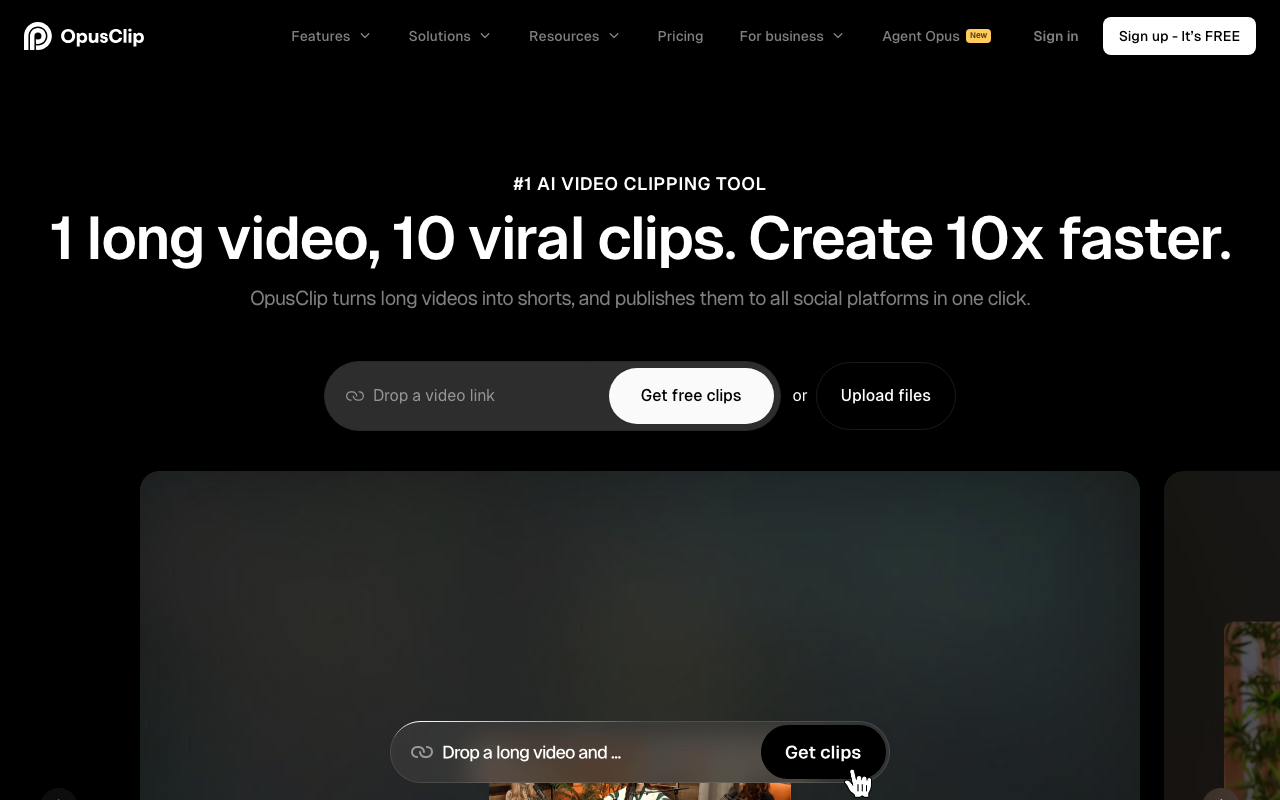
Opus Clip analyzes long-form video and automatically extracts the strongest short clips for Reels, Shorts, and TikTok. It identifies the most engaging moments, adds captions, and formats them for each platform.
The clip scoring feature is where Opus earns its keep. It predicts which clips are likely to perform well based on content and pacing, which saves the manual review time of watching your own video six times. Starting at $19/month, it’s a solid investment if you’re consistently producing long-form content and want social clips without spending hours in an editor. I covered more tools in this space in my rundown of best AI content creation tools.
Quick Comparison
| Tool | Category | Starting Price | Best For |
|---|---|---|---|
| HeyGen | AI Avatars | $24/mo | Talking-head video at scale |
| Descript | Editing | $24/mo | Transcript-based editing |
| ElevenLabs | Voice | Free | Voiceover and dubbing |
| Runway | Generation | $12/mo | Cinematic b-roll |
| Sora | Generation | $20/mo* | High-quality clips (ChatGPT Plus) |
| Opus Clip | Repurposing | $19/mo | Long-form to short-form |
| Captions | Avatars/Editing | $10/mo | Mobile-first creators |
| Synthesia | AI Avatars | $22/mo | Enterprise training content |
| Pika | Generation | $8/mo | Affordable text-to-video |
*Sora is included in ChatGPT Plus, not a standalone subscription.
What This Means for You
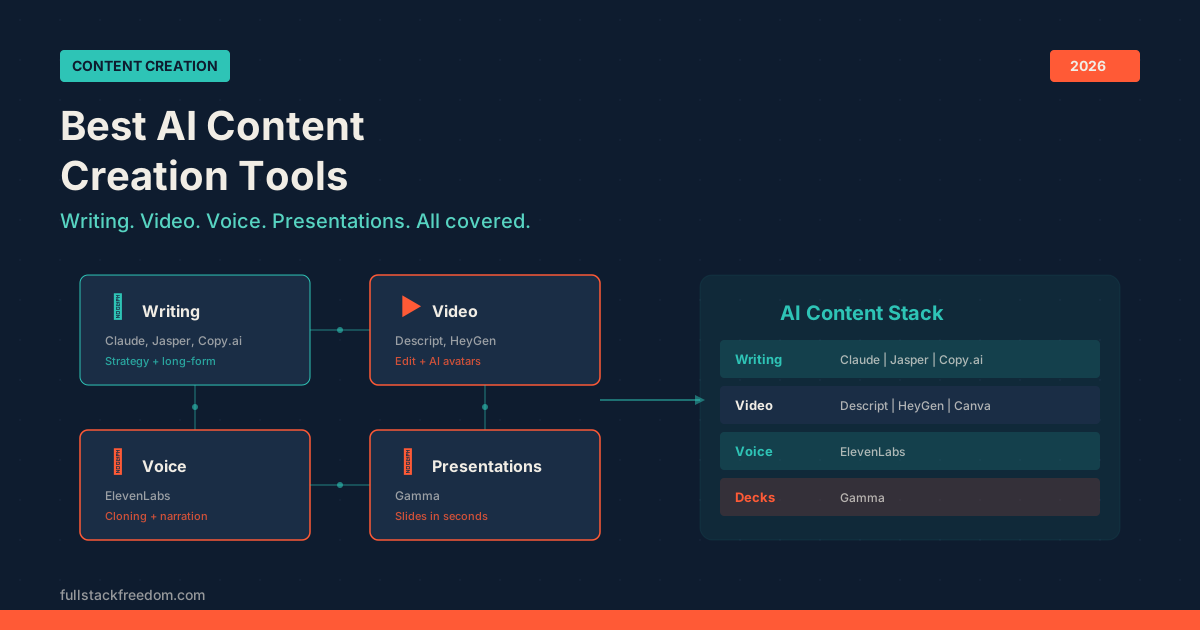
If you’re a founder or solo operator trying to produce more video content without a team, the combination that gives you the most leverage is probably: Descript for editing what you record, HeyGen for content you don’t want to record, and ElevenLabs for voiceover and dubbing.
That’s a complete video production stack for under $75/month. A year ago that would have cost a part-time video editor. The tools don’t replace creative judgment, but they do remove the time bottleneck that kept most founders from doing video at all.
For content repurposing, add Opus Clip to that stack and your long-form videos start generating short-form content automatically. At that point you’re operating more like a content team than a solo creator, without the headcount.
If you want more context on where AI video fits in a broader content workflow, my breakdown of best AI marketing tools covers how these tools connect to the bigger picture.
Next Steps
Pick one category based on your current bottleneck. Don’t try to implement five tools at once. Get one working in your workflow, then layer the next one in.
If you want the specific prompts, settings, and workflow templates I use with HeyGen and Descript, they’re in the Skool community. Free to join, and that’s where I drop the practical stuff that doesn’t make it into the videos.