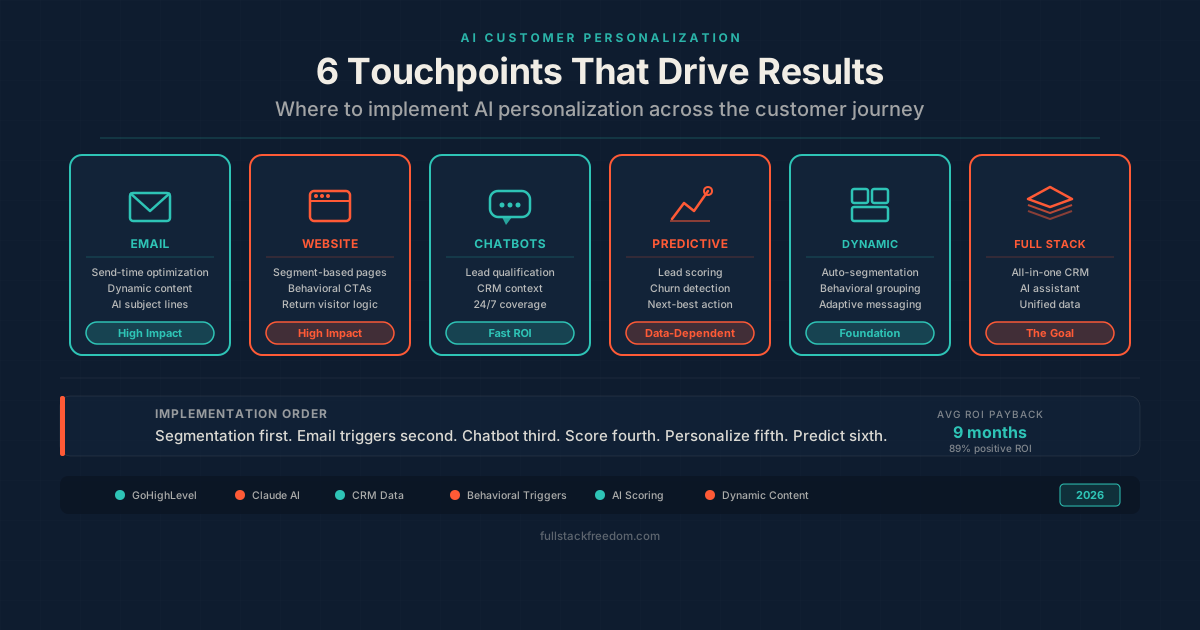
Every business says they want to personalize the customer experience. Very few actually do it, and even fewer do it well with a small team. The reason is usually the same: personalization used to require a data science team, a CDP, and a six-figure budget. That’s no longer true. AI customer personalization has reached a point where a solo operator with the right CRM can deliver experiences that rival what enterprise brands spent years building.
This guide covers the practical how — not the theory. I’ll walk through the six areas where AI personalization matters most and show you how to set each one up without needing a team of engineers.
Why AI Customer Personalization Matters Now
The data is hard to ignore. Companies that invest in AI-driven personalization report revenue improvements between 10-40%, and 89% of them see positive ROI within nine months. Meanwhile, 80% of customers now expect real-time, anticipatory experiences — and 76% get frustrated when they don’t get them.
The shift isn’t coming. It already happened. The gap now isn’t between businesses using AI and businesses that aren’t. It’s between businesses with rich customer data powering their AI and businesses still guessing. That distinction matters because AI personalization is only as good as the data feeding it.
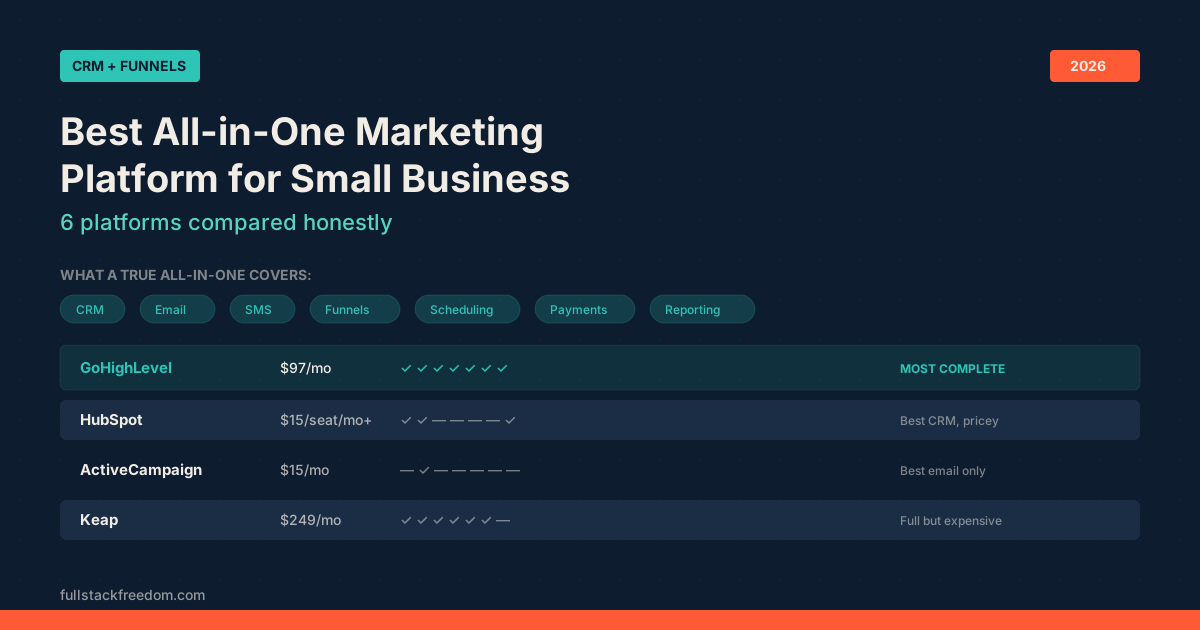
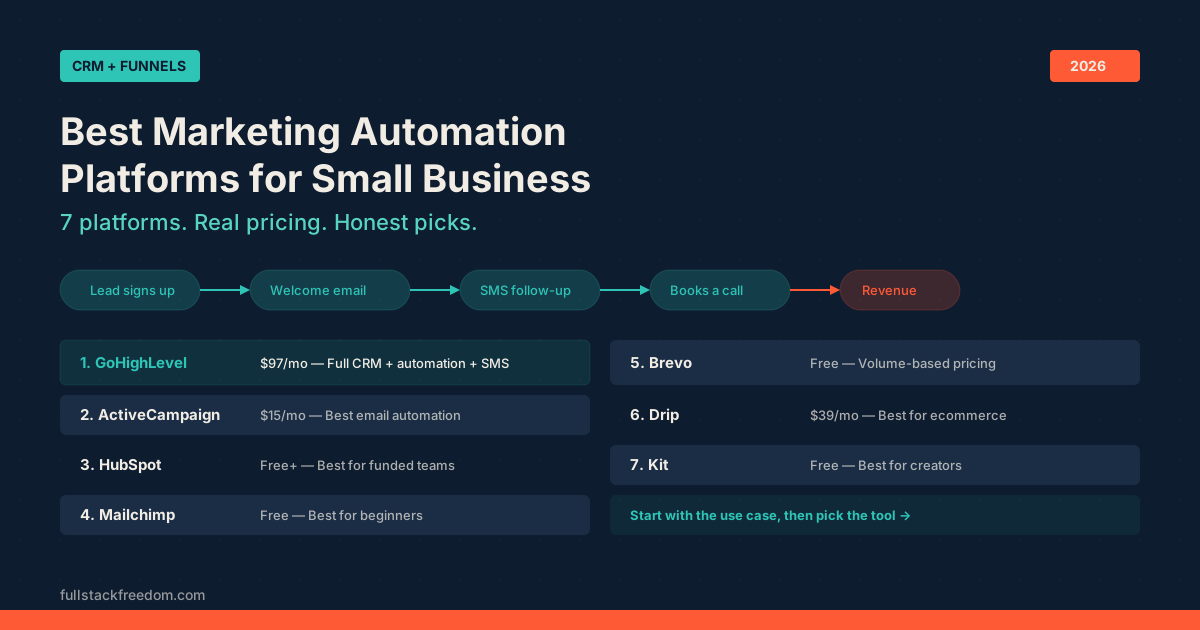
If you already have a CRM collecting contact behavior, purchase history, and engagement data, you’re sitting on the raw material. The question is whether your tools are using it. If you haven’t locked in a platform yet, the best marketing automation platforms breakdown covers the options worth considering.
1. Email Personalization Beyond First Names
Inserting {first_name} into a subject line isn’t personalization — it’s a mail merge from 2009. AI-powered email personalization works at a fundamentally different level.
Here’s what it actually looks like in practice:
- Send-time optimization. AI analyzes when each contact opens emails and schedules delivery individually. One person gets the email at 7am, another at 11pm. Same campaign, different timing, higher open rates.
- Dynamic content blocks. The body of the email changes based on the recipient’s behavior. Someone who browsed your pricing page sees a case study. Someone who downloaded a lead magnet sees the next resource in the sequence. Same email template, different content.
- Subject line generation. AI tests and selects subject lines based on what’s worked for similar audience segments, not just your list as a whole.
In GoHighLevel, you can build workflows that trigger different email sequences based on contact tags, pipeline stage, and engagement score. Combine that with their AI-powered content features and you’re running personalized nurture campaigns that adapt without manual intervention.
The practical move: set up three email variants per campaign stage and let behavioral triggers decide which one each contact receives. Start with your highest-traffic sequence and expand from there.
2. Website Personalization That Converts
Most small business websites show the same page to every visitor. That’s a missed opportunity when your CRM already knows who’s visiting.
AI-driven website personalization falls into two tiers:
Tier 1 — Segment-based. Show different headlines, CTAs, or offers based on traffic source, location, or referral tag. Someone arriving from a Facebook ad about service A sees that service front and center. Someone from an organic search for service B sees different content. This is straightforward to implement with most funnel builders.
Tier 2 — Behavioral. The page adapts based on what the visitor has already done. Return visitors see content that picks up where they left off. Contacts in your CRM who are already in a pipeline see messaging that matches their stage. This requires CRM integration, but platforms like GoHighLevel handle it natively because the funnel builder and CRM share the same database.
The ROI here is significant. Over 70% of digital retailers say AI-driven personalization will affect their business more than any other factor. You don’t need a full recommendation engine — even segment-based personalization on your landing pages can lift conversion rates measurably.
3. AI Chatbots and Conversational Personalization
Chatbots have moved well past the scripted decision-tree era. Modern AI chatbots use natural language processing to understand intent, pull context from your CRM, and respond with relevant answers — not just route people to a FAQ page.
The practical applications for a small business:
- Instant lead qualification. The chatbot asks the right questions, scores the lead based on responses, and routes them to the correct pipeline stage or books a call automatically.
- Personalized product recommendations. Based on the conversation and CRM data, the bot suggests specific services or products. This works especially well for businesses with multiple service tiers.
- 24/7 social customer service software replacement. Instead of hiring for overnight coverage or letting inquiries sit until morning, an AI chatbot handles common questions and escalates complex ones with full context attached.
In GoHighLevel, the AI-powered chat widget connects directly to your contact records. When a known contact starts a conversation, the bot already has their history. That context is the difference between a helpful interaction and a frustrating one.
If you’re evaluating platforms that handle this alongside your CRM, funnel builder, and email — the all-in-one marketing platform guide compares the options that bundle these features together.
4. Predictive Analytics and Lead Scoring
This is where AI personalization shifts from reactive to proactive. Instead of responding to what customers did, you’re anticipating what they’re about to do.
A predictive marketing platform uses historical data to identify patterns:
- Which leads are most likely to convert based on their behavior pattern matching past buyers
- When existing customers are at risk of churning based on engagement decay
- What product or service a contact is most likely to need next based on their profile and purchase history
The practical implementation doesn’t require a data science degree. Most modern CRMs now include some form of AI-powered lead scoring. The key is making sure your CRM is actually capturing the right data points:
- Page visits and time on page: what content are they consuming?
- Email engagement: opens, clicks, replies
- Form submissions and downloads: what topics are they interested in?
- Pipeline activity: how quickly are they moving through stages?
GoHighLevel’s workflow engine lets you build scoring automations that update contact records based on all of these signals. Set score thresholds that trigger different actions: a high-score lead gets an immediate call task assigned to your sales rep, a mid-score lead enters a nurture sequence, a low-score lead gets tagged for re-engagement later.
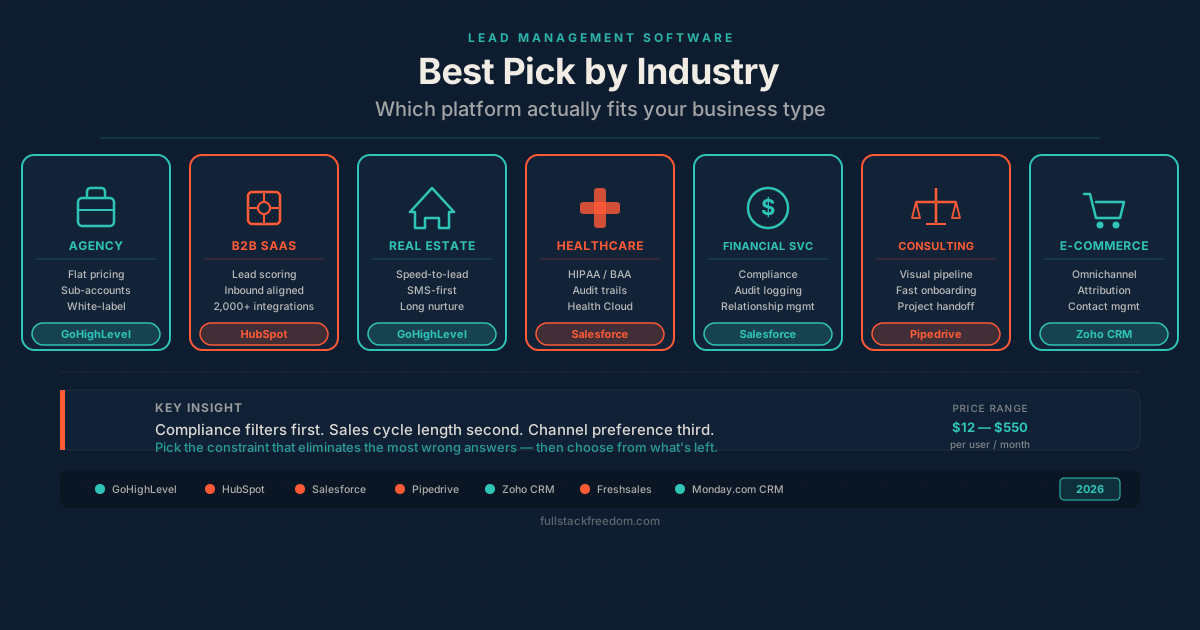
The businesses winning with predictive analytics aren’t the ones with the most data. They’re the ones actually using the data they already have. For a deeper look at how lead management fits into this, the best lead management software guide covers the scoring and routing side in detail.
5. Dynamic Content and Segmentation
Segmentation is the foundation that makes every other personalization tactic work. Without it, you’re blasting the same message to your entire list and hoping for the best.
AI takes segmentation from manual tagging to automatic, behavior-driven grouping. Here’s the progression:
Basic segmentation — tags based on form responses, purchase history, or manual input. You’re deciding the groups.
Behavioral segmentation — AI groups contacts based on patterns in their activity. People who engage with similar content, visit similar pages, and convert at similar rates get clustered together, even if they came from completely different sources.
Predictive segmentation — AI identifies segments you didn’t know existed. Maybe there’s a group of contacts who always open emails on weekends, respond to video content, and convert after exactly three touchpoints. A human would never spot that pattern across thousands of contacts. AI does it automatically.
The dynamic content piece is where segmentation becomes visible to the customer. Once you have smart segments, every touchpoint can adapt — email content, landing page copy, chatbot responses, SMS messages, even ad targeting.
The practical starting point: audit your current segments. If you only have “new lead” and “customer,” you’re leaving personalization value on the table. Build at least five behavioral segments based on engagement level, content interest, and pipeline stage. Then create content variations for your top three touchpoints.
6. Putting It All Together: A Practical AI Personalization Stack
You don’t need ten tools to do this. The whole point of AI personalization in 2026 is that the tools have converged.
Here’s the stack I’d recommend for a founder or small team:
| Layer | What It Does | Tool |
|---|---|---|
| CRM + Automation | Contact data, pipelines, workflows, scoring | GoHighLevel |
| AI Assistant | Content generation, analysis, strategy | Claude |
| Conversations | Chat, SMS, social DMs in one inbox | GoHighLevel (built-in) |
| Funnels + Web | Landing pages with dynamic content | GoHighLevel (built-in) |
| Analytics | Predictive scoring, reporting | GoHighLevel + Google Analytics |
| Personalized sequences and broadcasts | GoHighLevel (built-in) |
The advantage of using an all-in-one platform like GoHighLevel for the core stack is that all your customer data lives in one place. The CRM, the email tool, the funnel builder, the chat widget, and the automation engine all share the same contact record. That eliminates the integration tax that kills personalization for most small teams — the data silos, the sync delays, the broken automations.
Use Claude for the creative layer: generating personalized email copy, building segment-specific messaging, analyzing customer feedback patterns, and brainstorming new personalization angles. The combination of an AI assistant for strategy and an all-in-one CRM for execution is genuinely powerful.
Where to Start This Week
If you’re reading this and thinking “I should be doing more personalization” — you’re right, but don’t try to do all six at once. Here’s the priority order:
- Fix your segmentation first. Everything else depends on it. Spend an hour building five meaningful segments in your CRM.
- Set up behavioral email triggers. Pick your highest-volume sequence and add two conditional branches based on engagement.
- Enable AI chat. Get a chatbot live on your site that qualifies leads and books calls. This has the fastest time-to-value.
- Add lead scoring. Start simple — three to five scoring rules based on the behaviors that correlate with buying.
- Personalize your landing pages. Create two versions of your highest-traffic page for your two largest segments.
- Layer in predictive analytics. Once you have 90 days of scored data, start building workflows triggered by predicted behavior.
AI customer personalization isn’t about having the fanciest tech stack. It’s about using the data you’re already collecting to make every interaction feel relevant. Start with one layer, get it working, and build from there.
If you want the workflow templates, scoring rubrics, and segment blueprints I use for this — they’re all available in the Skool community. Come grab them and start building.