Most roofing companies are running their business out of a spreadsheet, a stack of Post-it notes, and the notes app on their phone. And honestly? It works. Until it doesn’t.
A storm rolls through. You’ve got 40 new leads in 48 hours. Three estimators out in the field. Your office manager is texting homeowners from her personal cell. And somewhere in the chaos, a $12,000 job fell through the cracks because nobody followed up after the estimate.
That’s the moment roofing contractors start Googling “roofing CRM.”
The problem is, most CRM comparisons were written by people who’ve never run a field service business. They rank software by feature count and UI screenshots, not by whether it actually helps a roofing company book more jobs. This post is different. I’m going to walk you through what actually matters for a roofing CRM, compare the real contenders, and tell you which one I’d recommend depending on where you are as a business.
What a Roofing CRM Actually Needs to Do
Before we compare tools, let’s get clear on what problem we’re solving. A generic CRM like Salesforce or HubSpot can technically track contacts and deals. But roofing businesses have specific needs that most general CRMs handle poorly.
Here’s what a CRM for roofing companies needs to handle well:
- Lead capture from multiple sources: storm-chasing canvassers, Google Ads, Angi, referrals, website forms
- Fast follow-up automation: roofing leads go cold fast; the first company to respond usually wins
- Estimate and job tracking: knowing where every lead is in the pipeline from inspection to signed contract to job completion
- Appointment scheduling: dispatching estimators without the back-and-forth
- Insurance job tracking: if you do storm work, you need to track claims, adjuster meetings, and supplement status
If a CRM can’t handle those five things, it’s not the right fit for a roofing contractor.
The Main Contenders for Roofing CRM
GoHighLevel — Best for Roofing Companies That Want to Own Their Marketing
GoHighLevel is the one I keep coming back to for contractors who are serious about growth. It’s not just a CRM. It’s a full marketing and sales platform that replaces a stack of tools most roofers are already paying for separately.
What makes it stand out for roofing:
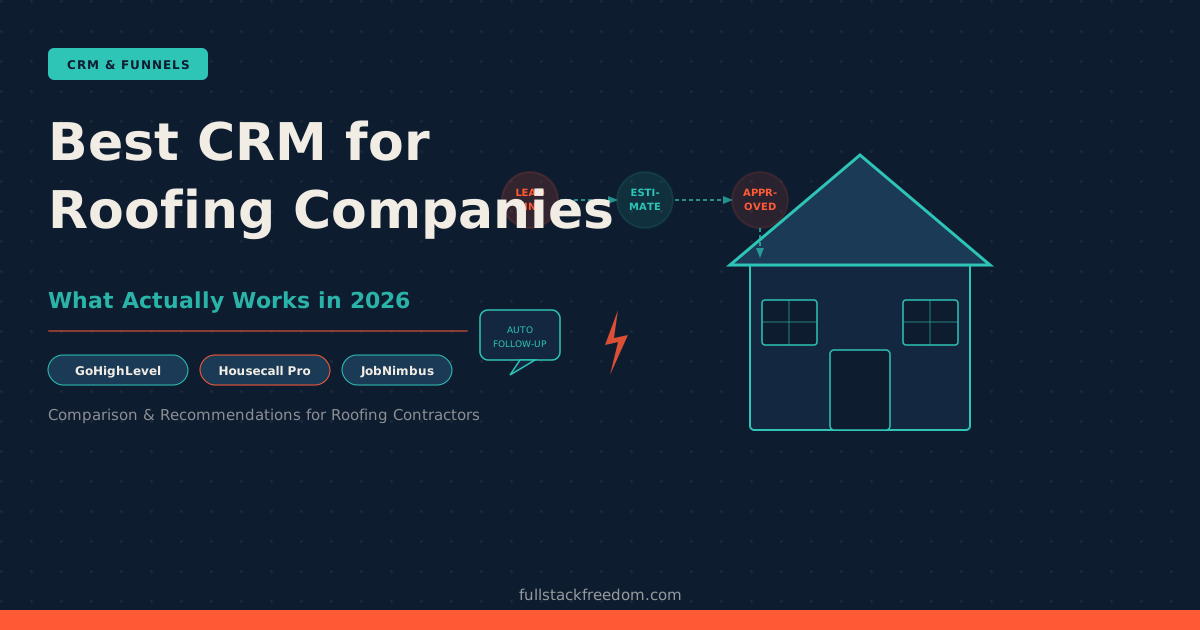
The pipeline management is flexible enough to match how roofing companies actually sell. You can build a custom pipeline (Lead In, Estimate Scheduled, Estimate Sent, Insurance Claim, Approved, Job Scheduled, Complete) and automate follow-up at every stage.
The automated follow-up sequences are where this pays for itself fast. Most roofing companies are slow to follow up because it’s manual. With GoHighLevel, you set up a workflow once: lead comes in, they get a text within 2 minutes, then an email, then a ringless voicemail 24 hours later if no response. You stop losing leads to competitors who call faster.
It also handles two-way SMS, which matters in roofing. Homeowners don’t answer unknown calls. They do respond to texts. GoHighLevel’s conversations inbox keeps all of that in one place (texts, emails, Facebook messages) instead of scattered across different apps.
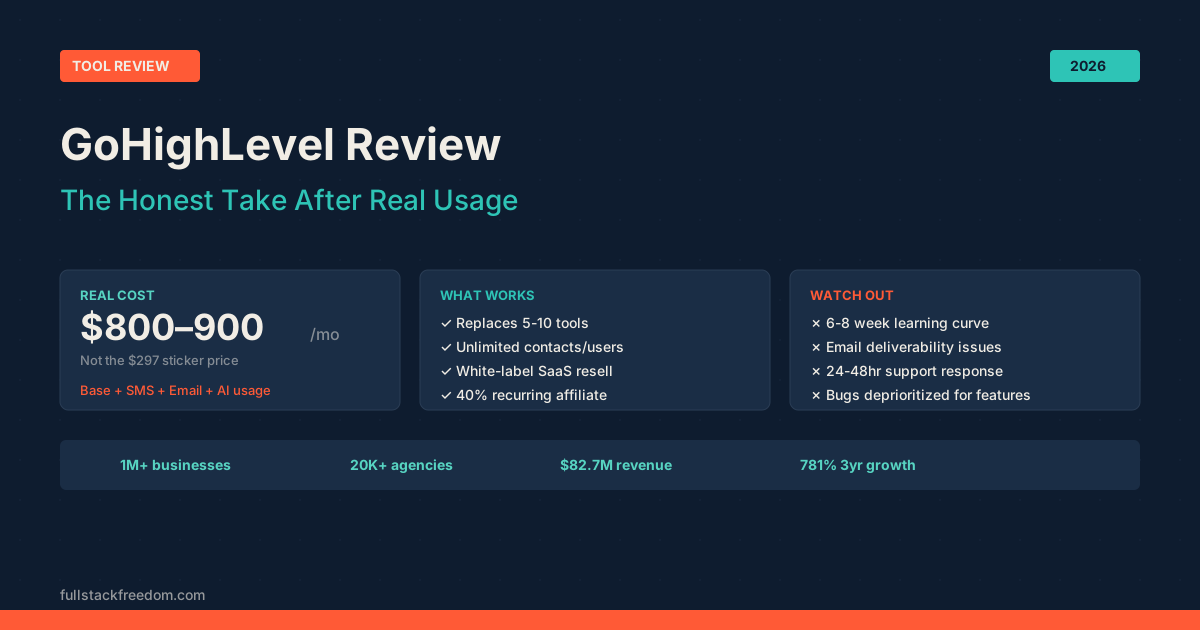
The one honest caveat: there’s a learning curve. GoHighLevel is a platform, not a plug-and-play app. You’ll spend time setting it up or pay someone to do it. But once it’s configured for your roofing workflow, it’s hard to go back. Check out my full GoHighLevel review if you want the deeper breakdown.
Pricing: Starts at $97/month. Worth it once you have consistent lead volume.
Housecall Pro — Best for Smaller Roofing Operations
Housecall Pro is built specifically for home service businesses: HVAC, plumbing, roofing, you name it. The setup is faster, the interface is cleaner, and it handles the operational side of a roofing business really well.
Where Housecall Pro shines:
Scheduling and dispatching is smooth. If you’ve got multiple crews in the field, the drag-and-drop calendar and GPS tracking make logistics manageable. Estimates are easy to generate and send from a phone, which matters when your estimators are on rooftops.
The customer-facing experience is solid too. Homeowners get automated appointment reminders and can pay invoices online. For a smaller roofing company doing mostly residential work, that level of polish matters for reputation.
Where it’s weaker: marketing automation. Housecall Pro isn’t going to run your Facebook retargeting or build out a lead nurture sequence. If you’re buying leads or running paid ads, you’ll hit the ceiling on what Housecall Pro can do for follow-up.
Pricing: Starts around $59/month. Scales with features and team size.
JobNimbus — Built for Roofing, but With Trade-offs
JobNimbus is probably the most roofing-specific CRM on this list. It was built with contractors in mind and has dedicated features for insurance restoration work: adjuster tracking, supplement management, and photo documentation.
What works: If you do a lot of insurance work, the documentation flow is genuinely useful. You can attach photos, notes, and documents to a job and keep everything in one place for the adjuster process.
What to watch: Some users find the UI clunky compared to newer platforms, and the marketing automation is limited. It’s a solid operational tool, but you may end up adding other tools for lead gen and follow-up, which starts to add up in cost and complexity.
Pricing: Contact them for current pricing; has changed as they’ve added tiers.
AccuLynx — Enterprise Option for Mid-Sized Roofing Companies
AccuLynx is designed for roofing companies that have scaled past the “owner-operator doing everything” stage. It has deep integration with material suppliers like ABC Supply and SRS, built-in production boards, and reporting that lets a business owner see real margin data by job.
It’s powerful, but it’s priced accordingly and geared toward companies doing meaningful volume. If you’re a one or two-crew operation, it’s probably overkill.
Side-by-Side Comparison
| Feature | GoHighLevel | Housecall Pro | JobNimbus | AccuLynx |
|---|---|---|---|---|
| Marketing automation | Excellent | Limited | Limited | Limited |
| Pipeline management | Flexible | Basic | Good | Good |
| Scheduling/dispatch | Good | Excellent | Good | Good |
| Insurance job tracking | Setup required | No | Yes | Yes |
| Two-way SMS | Yes | Yes | Yes | Yes |
| Ease of setup | Moderate | Easy | Moderate | Moderate |
| Starting price | $97/mo | ~$59/mo | Contact | Contact |
| Best for | Growth-focused | Smaller ops | Insurance work | Mid-sized |
What This Means for Your Roofing Business
Here’s how I’d cut it:
If you’re under $500K/year and just need to get organized: Start with Housecall Pro. It’s easy to set up, handles scheduling and invoicing well, and won’t overwhelm you with features you don’t need yet.
If you’re actively marketing (running ads, buying leads, doing canvassing) and losing jobs because follow-up is slow: GoHighLevel is the move. The automated follow-up alone will pay for it. You need a system that responds to leads in minutes, not hours, and keeps nurturing them until they book.
If insurance restoration is your core business: JobNimbus is worth a look for the documentation workflow, though I’d pair it with something stronger on the marketing side.
The pattern I keep seeing with roofing companies is that they outgrow their first CRM faster than expected. A storm season hits, volume spikes, and suddenly the lightweight tool they chose can’t keep up. If you’re planning to grow, it’s worth choosing something with more headroom from the start.
For more on how to think about CRM selection across different service industries, the CRM for your industry guide is a good companion read. And if you’re comparing options more broadly, the best lead management software post covers how to evaluate these tools before you commit.
The Honest Bottom Line
There’s no perfect CRM for every roofing company. But there’s almost certainly one that fits where you are right now.
The biggest mistake I see is roofing contractors picking a CRM based on price alone, then losing track of leads because the automation isn’t there. The follow-up speed problem is real. If your competitor calls a storm lead in 2 minutes and you call them an hour later, you’ve already lost.
Pick a tool that matches your current size but has room to grow. Set up your pipeline stages to match how you actually sell. And get your follow-up sequences running before the next storm season.
If you want to see how other contractors are setting up their systems (including prompts and workflow templates), that’s what the Skool community is for. Free to join, and it’s where I share the actual builds, not just the theory.