If you’re trying to figure out which AI writing tool is worth your time, you’re not alone. There are dozens of options now, and most of them look the same from the homepage. This breakdown covers the best AI writing tools I’ve actually used, ranked by how useful they are for real content work — not just generating filler.
Quick note on what “best” means here: the right tool depends on what you’re writing. Long-form blog posts have different needs than sales copy or fiction. I’ll flag each tool’s sweet spot so you can match it to your use case.
How AI Writing Tools Actually Fit Into a Content Workflow
Before I get into the list: these tools don’t replace writing. They accelerate it. The thinking, positioning, and voice still need to come from you.
What they’re actually good for: getting past the blank page, rephrasing drafts that are almost-there, maintaining consistency across a batch of content, and generating outlines you can tear apart and rebuild. The people getting the most value from these tools are the ones treating AI as a collaborator, not a ghostwriter.
For founders and operators working lean, that’s the real win. You can punch above your weight on content output without hiring a full team. But only if you’re putting in your own editorial judgment at every stage.
The Best AI Writing Tools in 2026
1. Claude — Best for Long-Form and Nuanced Writing
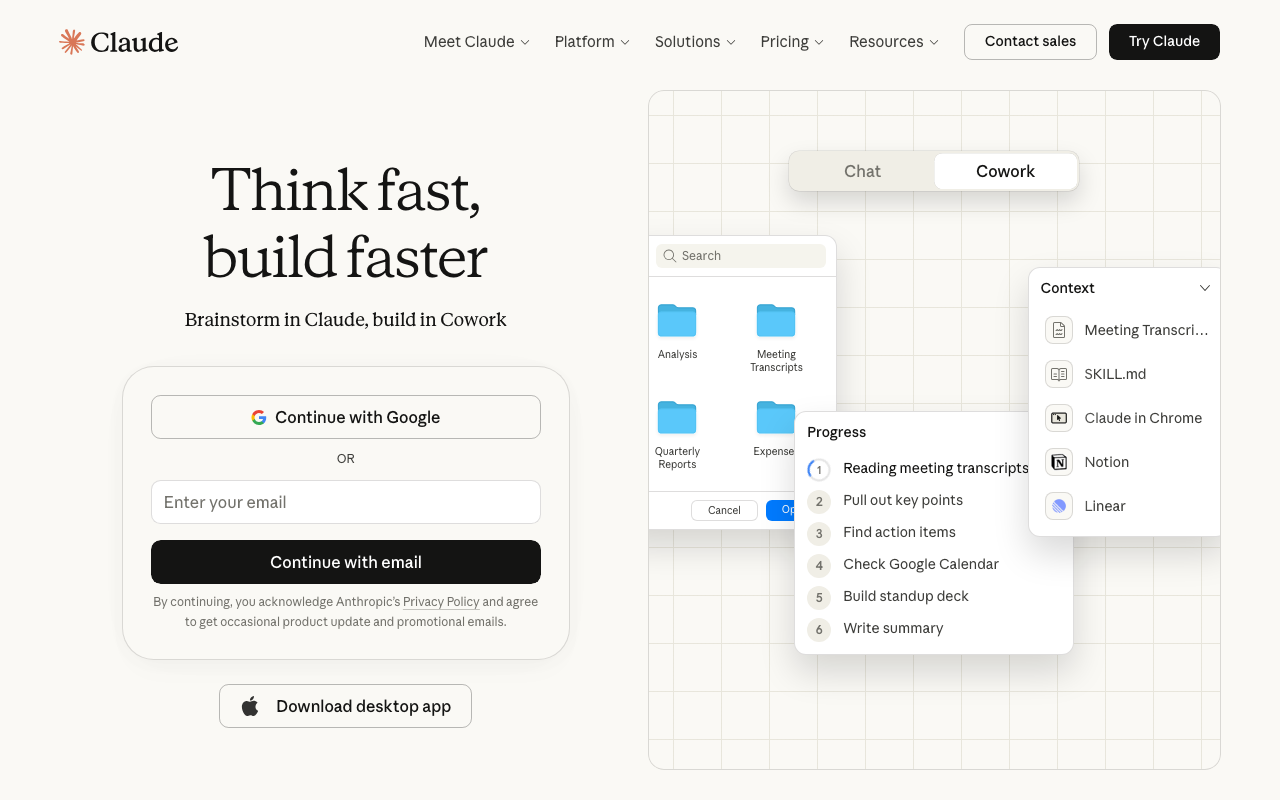
Claude is my top pick, and it’s not close. If you’re writing anything longer than a few paragraphs — blog posts, email sequences, landing page copy, strategy docs — Claude is the one to reach for first.
The thing that separates it is reasoning quality. Most AI writing tools produce fluent sentences. Claude produces fluent sentences that are actually logical, well-structured, and aware of nuance. It can hold a complex argument together across 2,000 words without drifting.
The Projects feature is particularly useful for ongoing content work. You can load your brand guidelines, voice notes, and past examples into a Project, and every conversation stays grounded in that context. No more re-explaining your brand voice every session.
Free tier is available. Pro is $20/mo. For most people, the free tier is a reasonable starting point, but the Pro context window is significantly larger and worth it if you’re doing heavy long-form work.
2. ChatGPT — Best for Brainstorming and Short-Form
ChatGPT is the most widely used AI writing tool for a reason. GPT-4o is fast, capable, and handles a wide range of tasks well. For brainstorming, ideation, and short-form copy, it’s excellent.
Where it falls short is in maintaining a specific voice across longer pieces. It tends toward a certain polished-but-generic tone that can be hard to override consistently. For quick tasks like drafting a social caption, rewriting a paragraph, or generating five headline options, it’s as fast as anything.
ChatGPT Plus runs $20/mo. If you’ve been building up a memory base in ChatGPT but want to move to Claude, check out this guide on how to transfer your ChatGPT memory to Claude — it’s more useful than starting from scratch.
3. Jasper — Best for Marketing Teams With Brand Guidelines
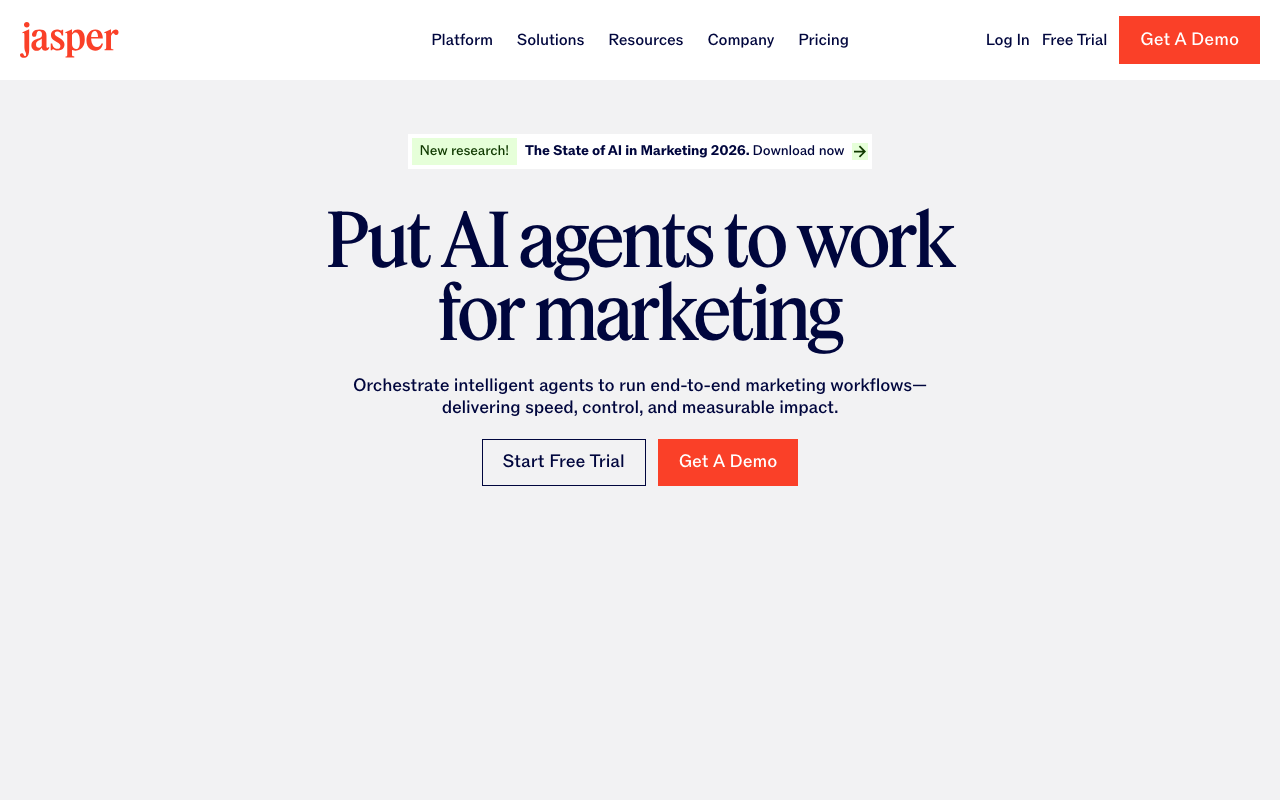
Jasper is built specifically for marketing use cases, and it shows. The brand voice features are more robust than most tools — you can upload brand docs, tone guidelines, and even example content, and Jasper will use them as a baseline across outputs.
If you’re running a marketing team and need multiple people producing copy that stays on-brand, that consistency layer is genuinely valuable. Jasper also has a solid library of templates for ads, emails, product descriptions, and social posts — useful if you’re producing high volumes across formats.
The pricing starts at $49/mo, which is steep compared to general-purpose tools. It makes more sense for teams than solo operators.
4. Copy.ai — Best for Sales Copy and Conversion-Focused Content
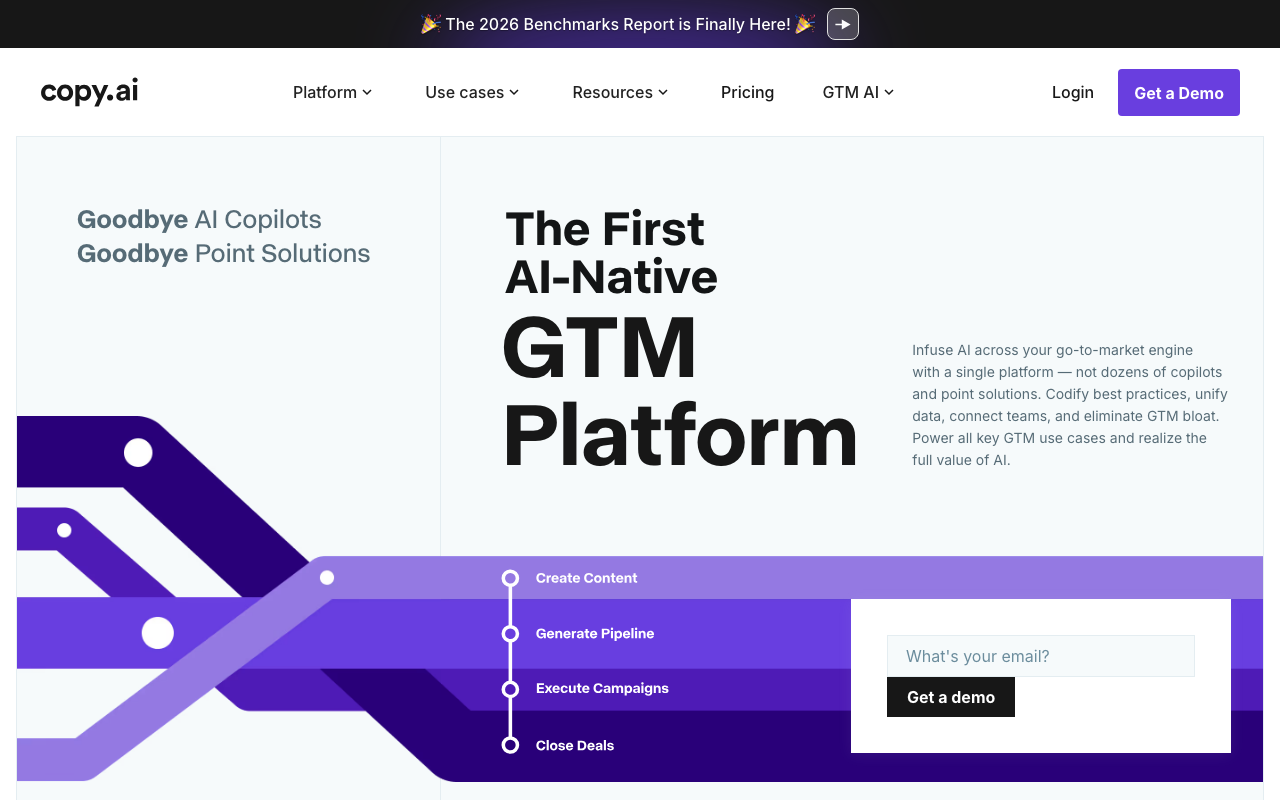
Copy.ai has leaned hard into sales and marketing copy: product descriptions, cold email sequences, ad creative, landing page sections. If you need to generate a lot of conversion-focused content quickly, it’s well-suited for that.
The workflow tools are the standout feature. You can build multi-step content pipelines that automate repetitive copywriting tasks. Think: upload a product feature list, get 10 ad variants out the other side. For e-commerce operators or anyone doing high-volume direct response copy, those automations are a real time saver.
Pricing starts at $49/mo. Like Jasper, it’s more compelling for teams with volume needs than individual writers.
5. Writesonic — Best for SEO-Focused Blog Content

Writesonic is squarely focused on SEO content production. It integrates with keyword research workflows and is built to help you produce blog posts that rank — not just posts that read well.
The AI Article Writer can take a keyword, pull in search intent data, and generate a first draft structured around what’s ranking. For content-at-scale use cases where you’re targeting a large cluster of keywords, the SEO tooling built into the workflow is genuinely helpful. Quality per piece varies, so editorial review is still required.
Pricing starts at $16/mo, which makes it one of the more accessible options on this list.
6. Sudowrite — Best for Fiction and Creative Writing
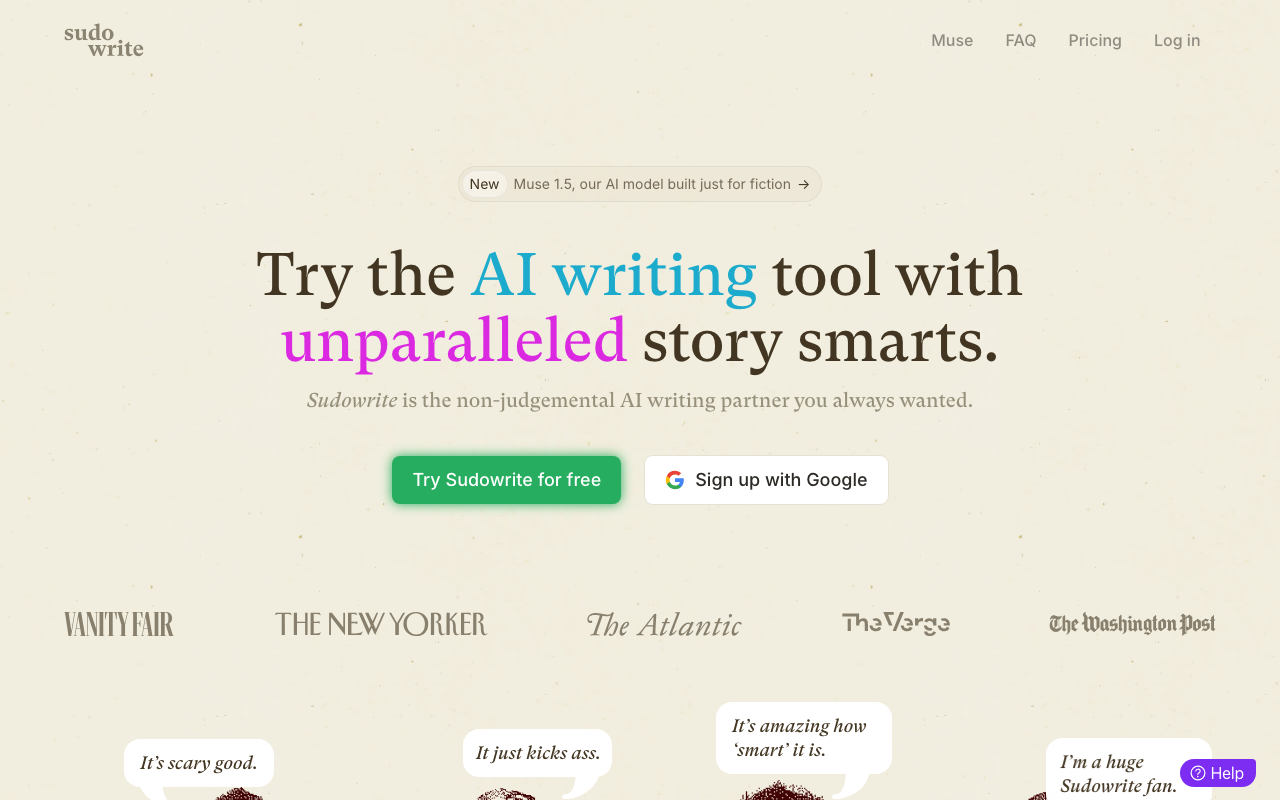
Sudowrite is the one tool on this list built specifically for fiction writers. It’s not trying to be a general-purpose AI assistant — it’s focused on helping you write and expand narrative prose.
The “Story Engine” feature guides longer fiction projects scene by scene, and tools like “Describe” and “Brainstorm” are designed around creative writing problems that general AI tools handle awkwardly. If you’re writing a novel, short stories, or any long-form narrative work, Sudowrite is built for your exact use case in a way that Claude or ChatGPT aren’t.
Pricing starts at $10/mo, making it the most affordable specialized tool on this list.
7. Notion AI — Best for In-Workspace Writing Assistance
Notion AI is an add-on to Notion ($10/mo on top of your existing plan). If you already live in Notion for docs, notes, and project management, the AI integration is convenient — it’s right there where your content already lives.
It handles summarizing long docs, drafting quick content blocks, rewriting sections, and generating action items from meeting notes. The convenience factor is high if your workflow is already Notion-native. As a standalone writing tool, though, it’s not as capable as Claude or ChatGPT — it’s an assistant layer on top of your workspace, not a replacement for a purpose-built writing tool.
8. Gemini — Best Free Option for Research-Heavy Writing

Gemini is Google’s AI assistant, and the free tier is genuinely capable — especially for research-heavy content. The Deep Research feature is a standout: it can go through dozens of sources on a topic and synthesize a detailed report, which is useful as a starting point for in-depth posts.
The writing quality on shorter outputs is solid. Where it sometimes struggles is maintaining a specific, non-generic voice across longer pieces — it trends toward sounding like a well-written Wikipedia article. For research-grounded drafts you plan to heavily rewrite, that’s less of a problem.
Free tier is useful enough to be worth trying before committing to a paid tool.
Quick Comparison Table
| Tool | Best For | Starting Price | Free Tier |
|---|---|---|---|
| Claude | Long-form, nuanced writing | $20/mo (Pro) | Yes |
| ChatGPT | Brainstorming, short-form | $20/mo (Plus) | Yes |
| Jasper | Marketing teams, brand voice | $49/mo | No |
| Copy.ai | Sales copy, ad creative | $49/mo | Limited |
| Writesonic | SEO blog content | $16/mo | Limited |
| Sudowrite | Fiction and narrative | $10/mo | No |
| Notion AI | In-workspace writing | $10/mo add-on | No |
| Gemini | Research-heavy writing | Free | Yes |
What This Means for You
If you’re a founder or solo operator trying to produce more content without burning time, start with Claude on the free tier and see what it changes about your workflow. It’s the most capable general-purpose tool for the kind of writing that actually builds an audience: long-form posts, email sequences, positioning copy.
If you already have a writing tool and it’s working, the second question is whether your current tool is saving you time on the specific content types you produce most. That’s where specialization matters. Jasper and Copy.ai are overkill if you’re mostly writing one blog post a week. Sudowrite is irrelevant if you’re not writing fiction. Match the tool to the actual job.
For most people building a lean content operation, two tools is plenty: one general-purpose tool for the bulk of the work, and maybe one specialized tool for a specific use case. More than that and you’re spending time managing tools instead of writing.
Next Steps
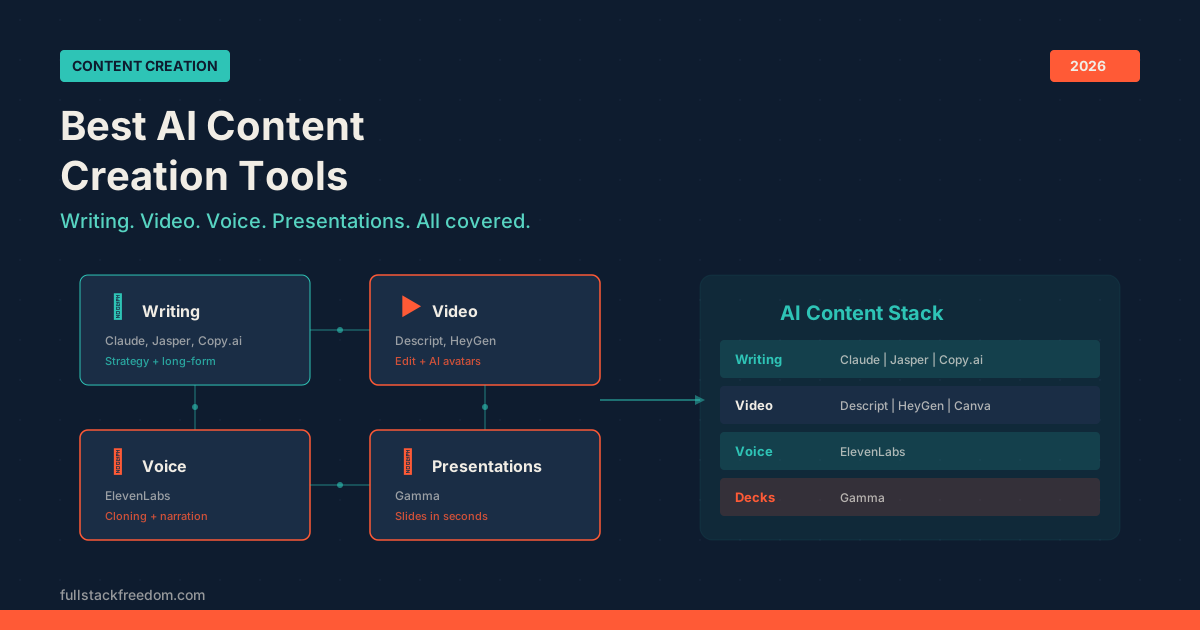
If you’re building out a full content workflow and not just looking for a writing assistant, I have a deeper breakdown of the best AI content creation tools and how they fit together — writing is one piece of a larger stack.
There’s also a solid list of AI marketing tools worth checking out if content is just one part of what you’re trying to accelerate.
The prompts and templates I use with Claude for content production are inside the Skool community — free to join if you want to grab them and skip the trial-and-error phase.